Files, screen, camera and plugins
Share files without anyone seeing your IP address, a screen share more people can watch in better quality, your camera with a blurred background, and plugins that draw and play in the channel. It all runs through the server's relay, and nothing changes on the Mumble server.
27 of 27 done
File sharing 6
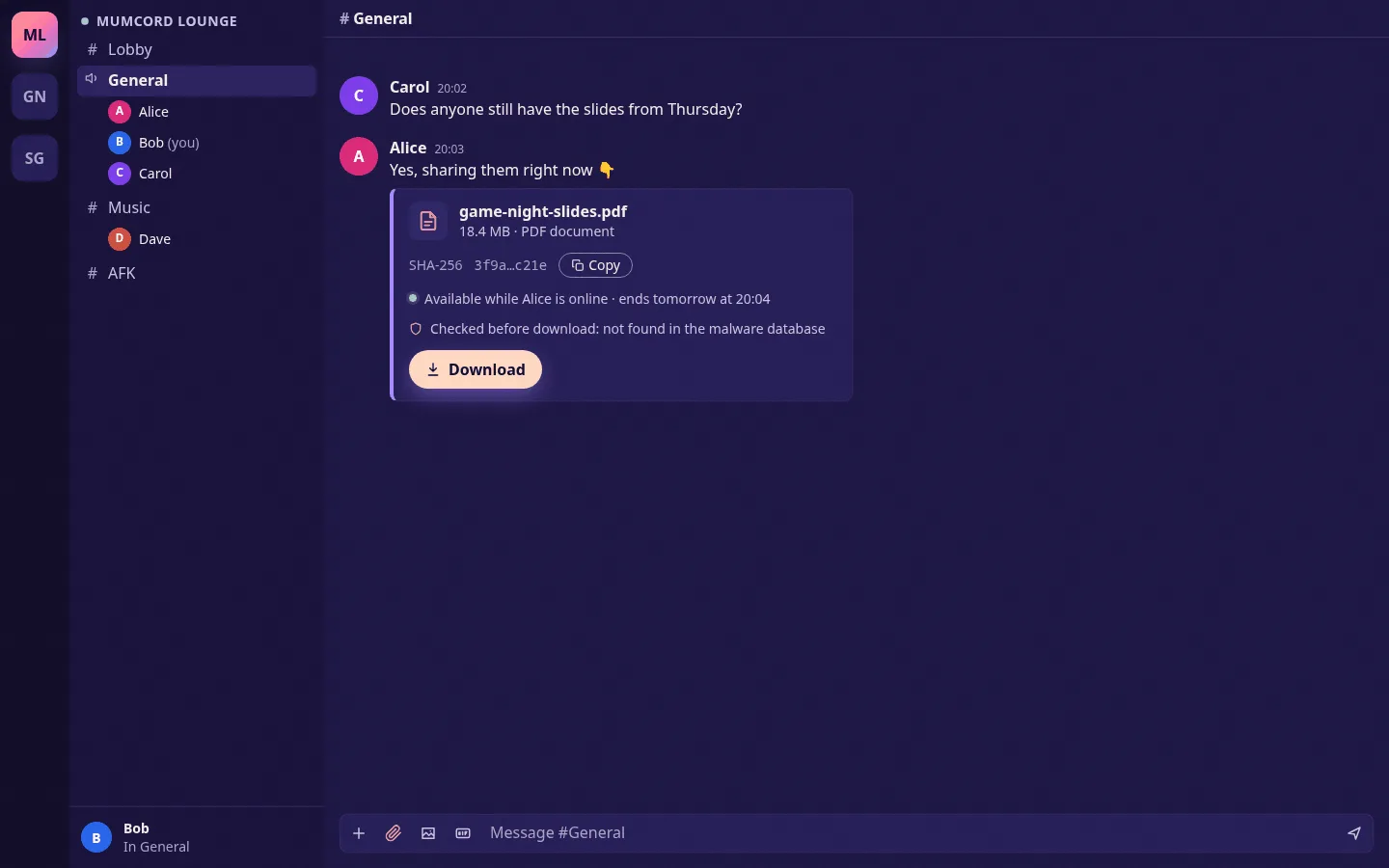
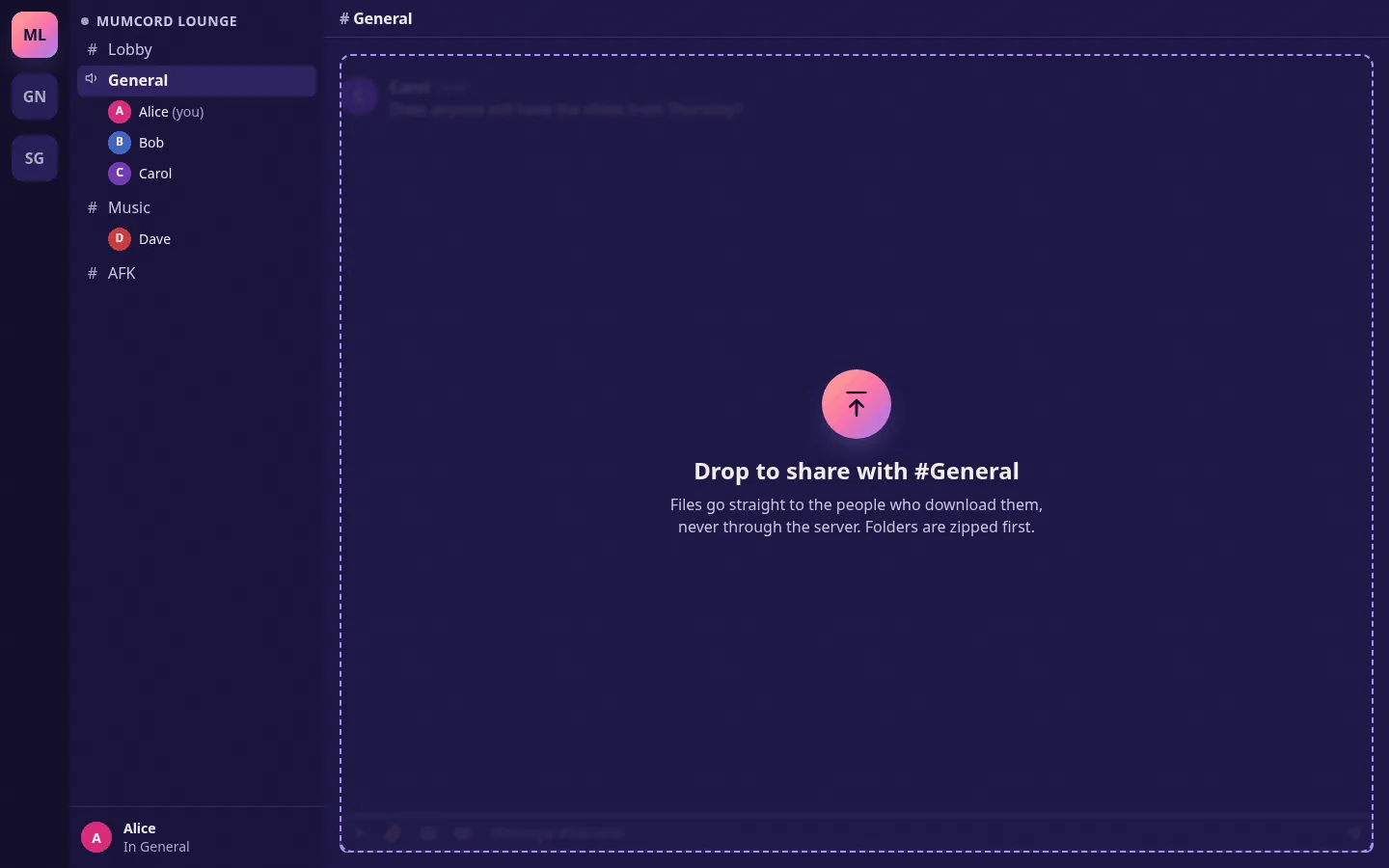
- done: Drag files into the chat or attach them with the paperclip, up to 2 GB. Folders are zipped first
- done: Always through the relay and end-to-end encrypted: nobody sees your IP address, and the file never touches the Mumble server
- done: Nothing downloads on its own: every download needs your click, and Mumcord then checks the SHA-256 checksum, which you can also copy
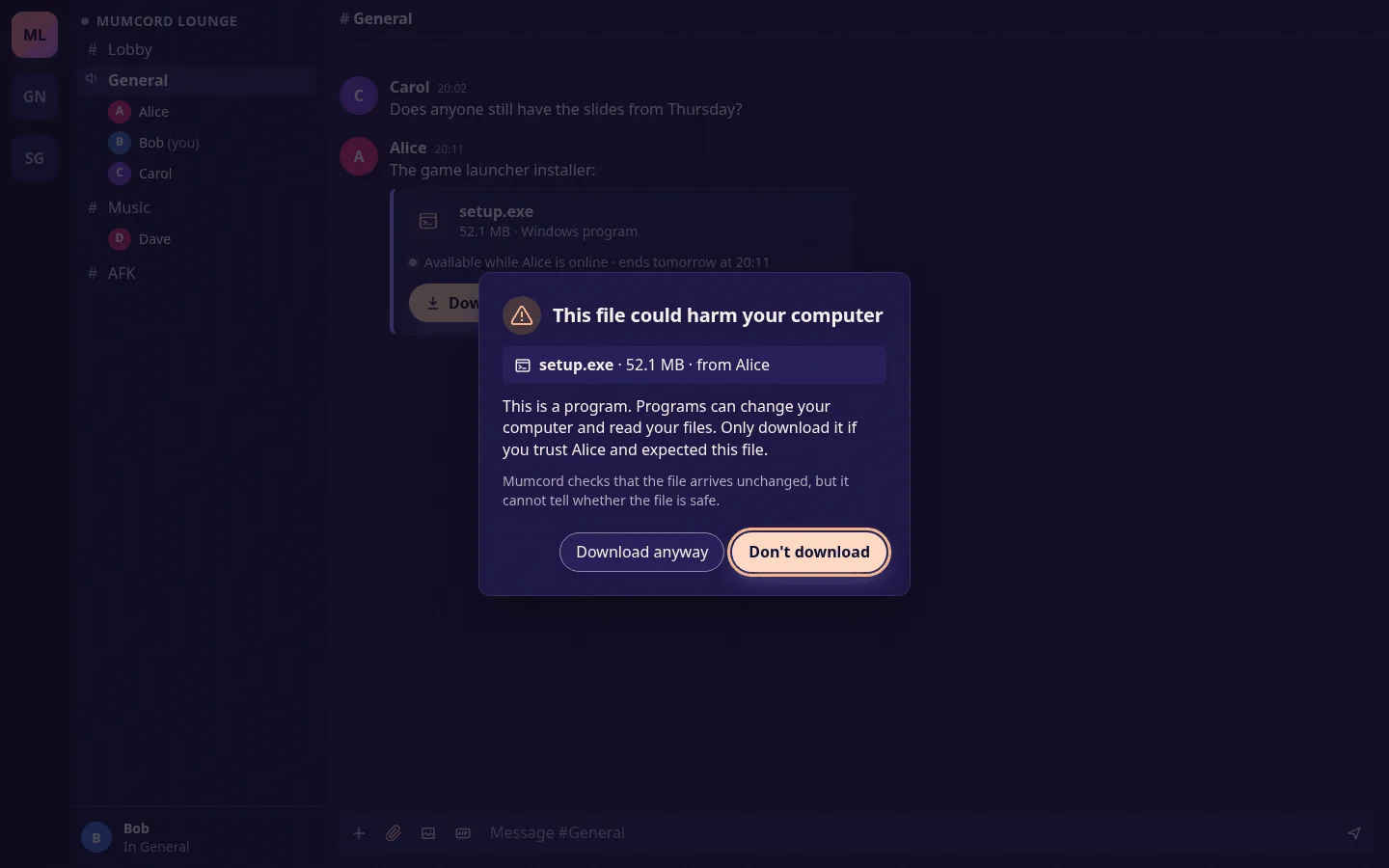
- done: A warning for risky file types such as programs and scripts, before you open them
- done: A file stays available while the person is online, for up to 24 hours
- done: People on the official Mumble client see a short line saying a file was shared
Better screen sharing 5
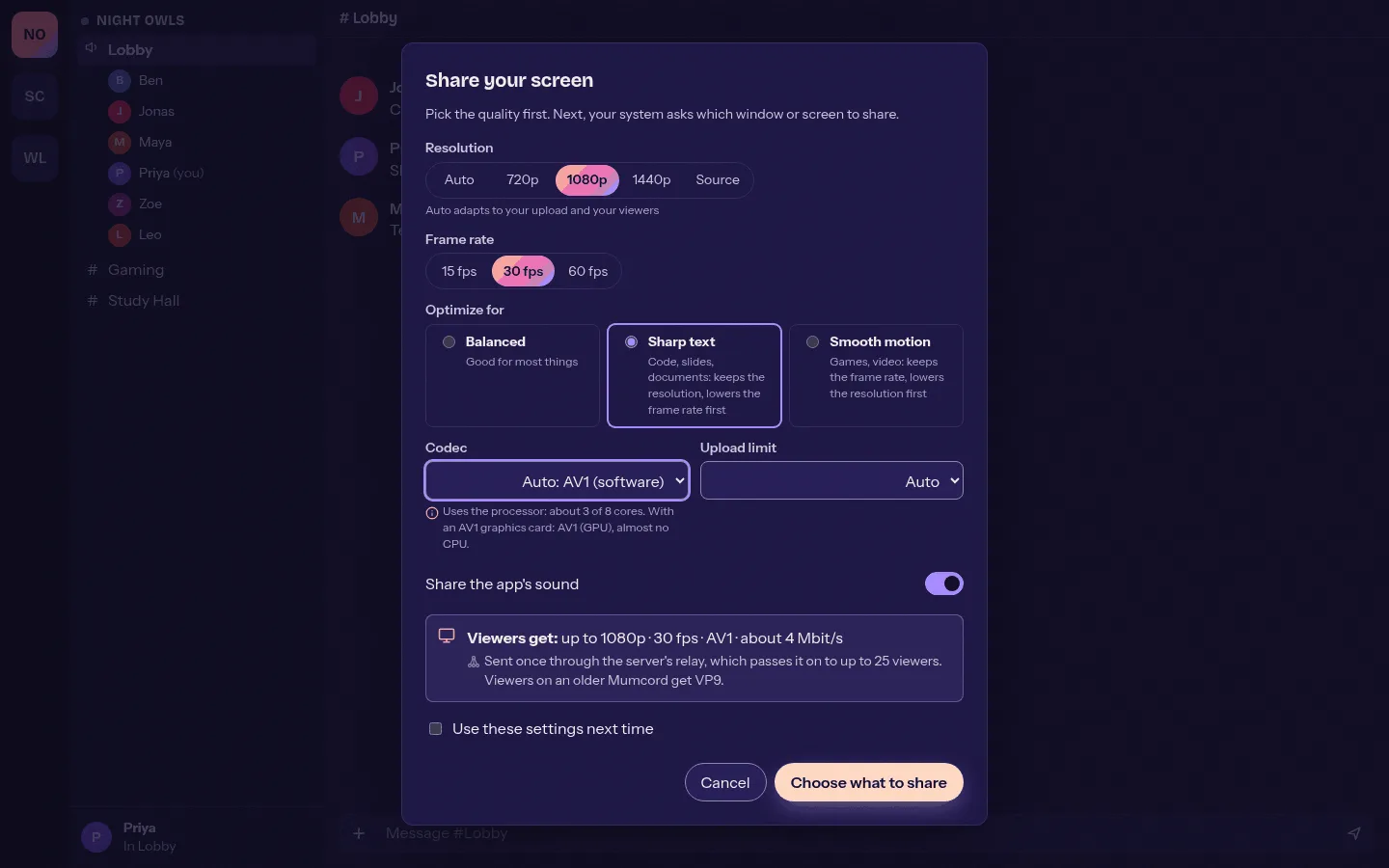
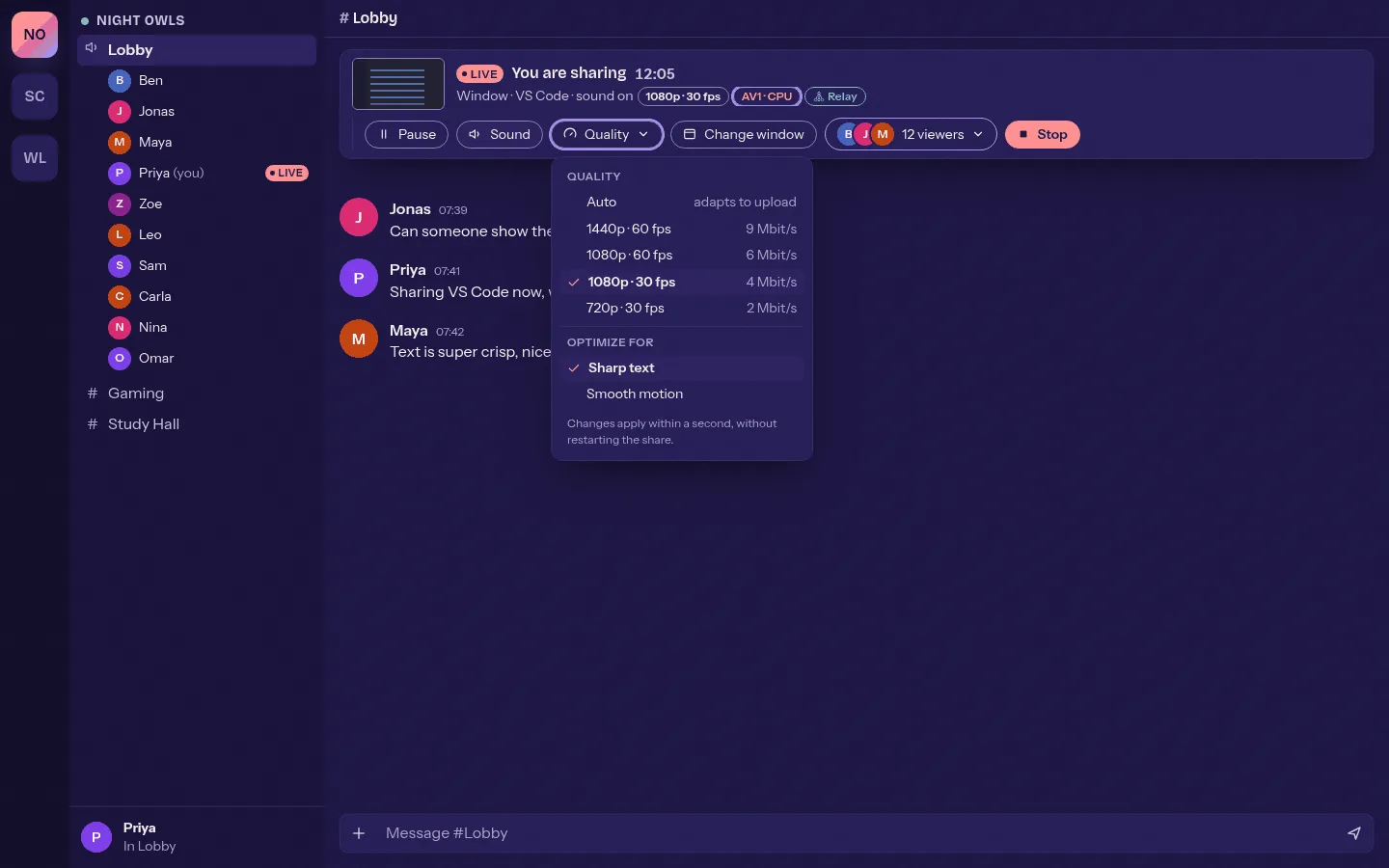
- done: Pick resolution up to 4K and frame rate up to 60 fps before you start, and change it while live without restarting
- done: Optimize for sharp text or smooth motion, plus an upload limit
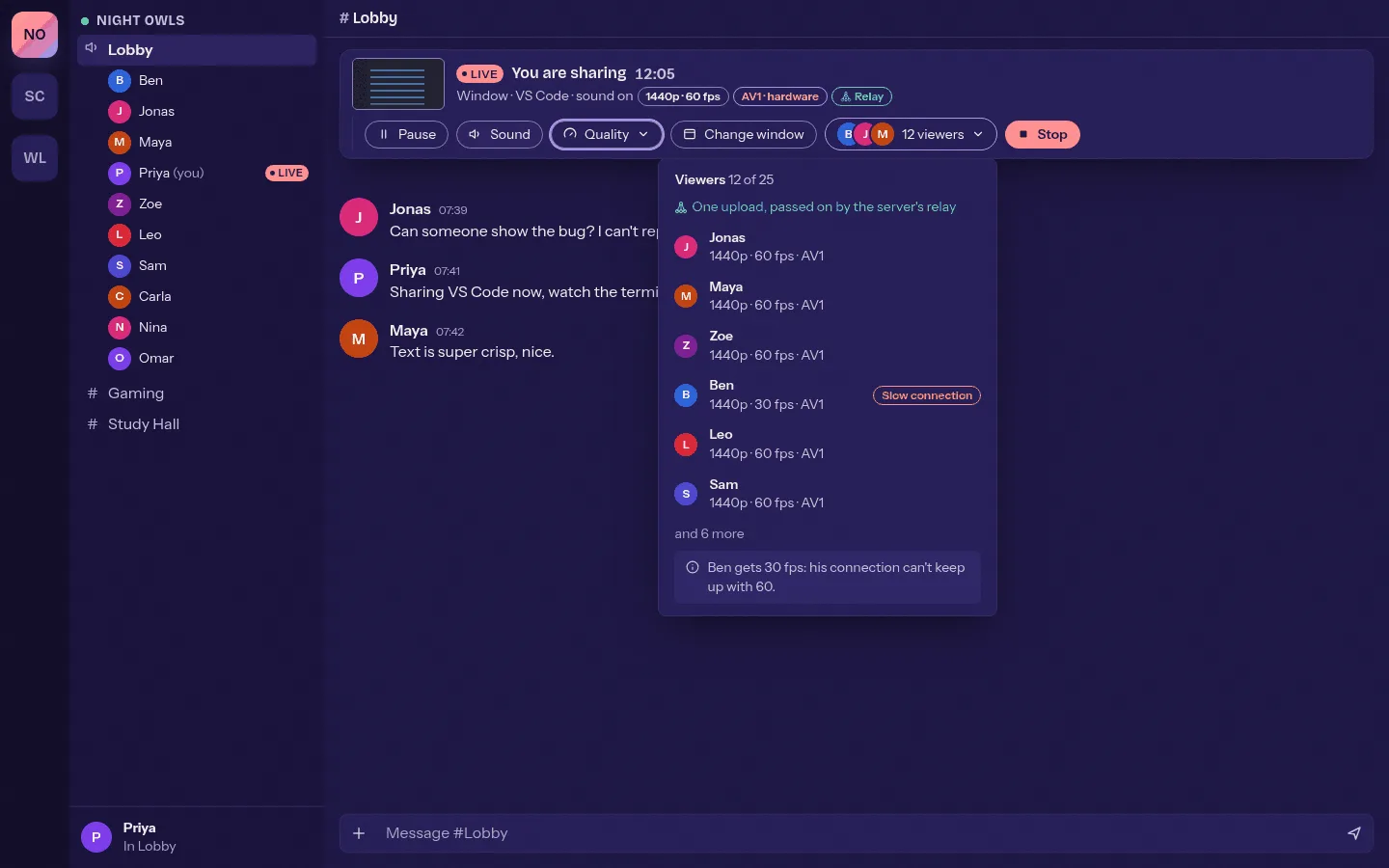
- done: More viewers: through the relay you upload once, and up to 25 people can watch
- done: AV1 on the graphics card or in software for sharp text at lower bandwidth, with VP9 as the fallback
- done: Viewers pick their own frame rate and see the quality they get
Camera 5
- done: Your camera for everyone in your voice channel, only through the relay and end-to-end encrypted
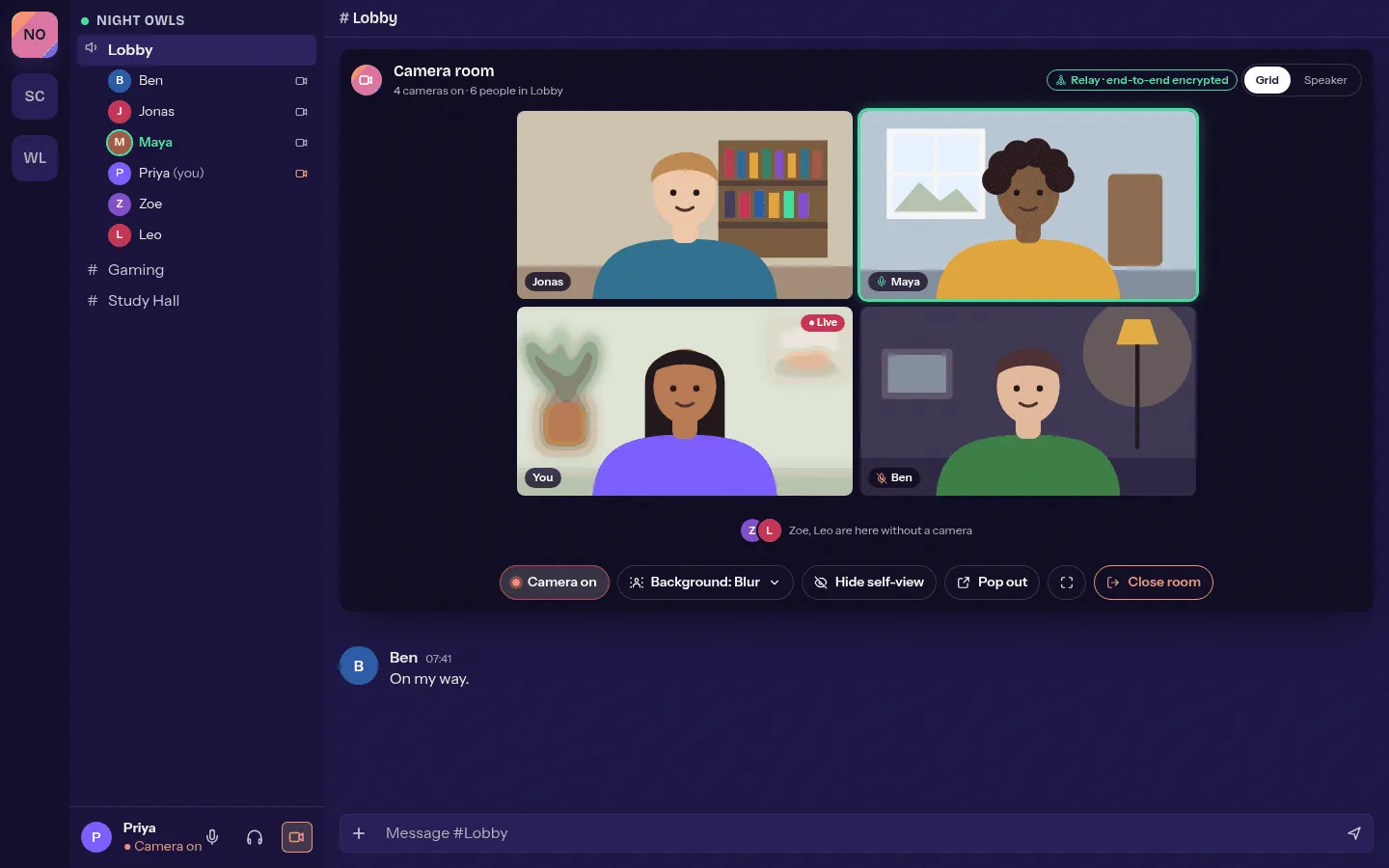
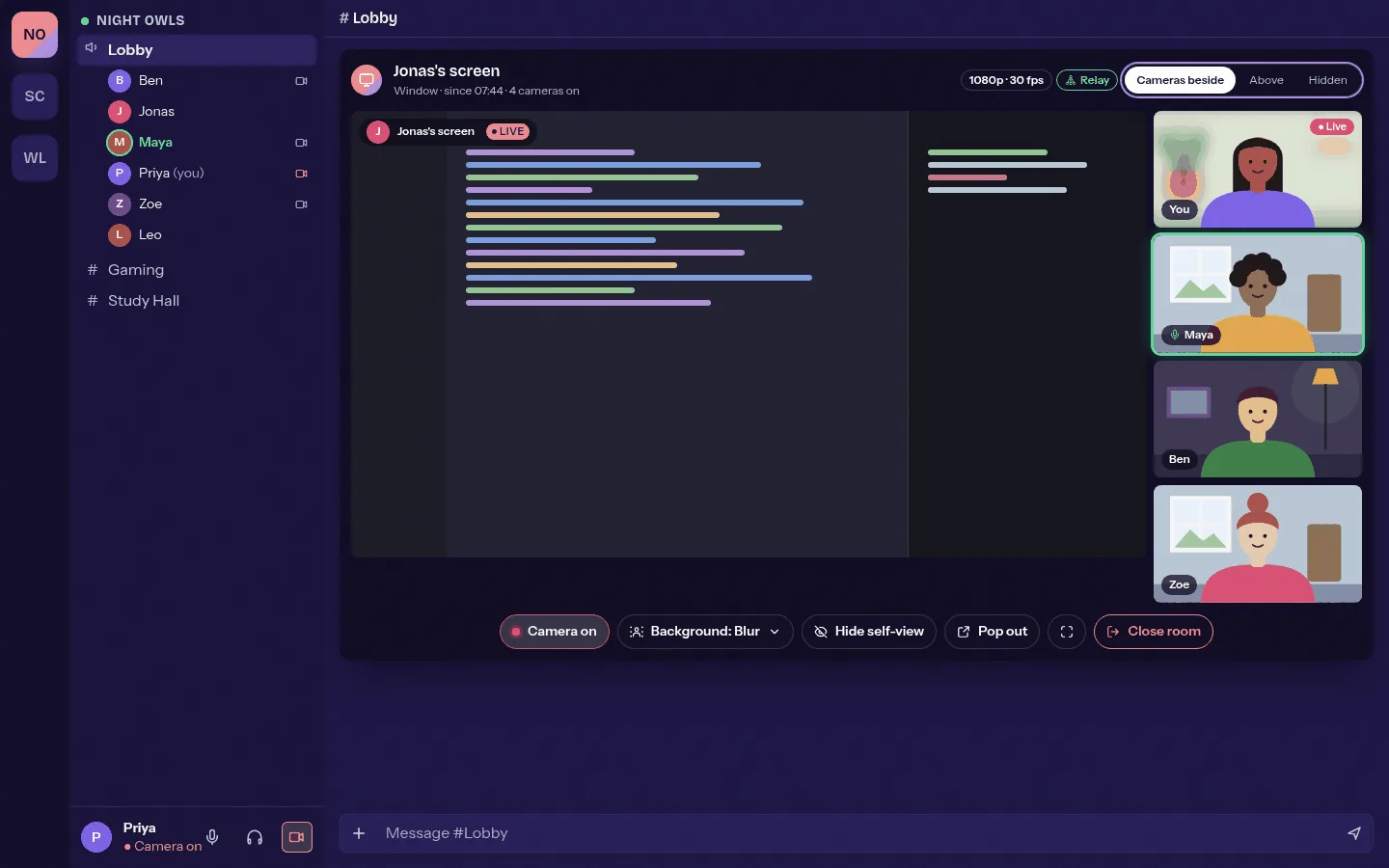
- done: A camera room with up to 9 cameras as a grid above the chat, also next to a screen share or watch party
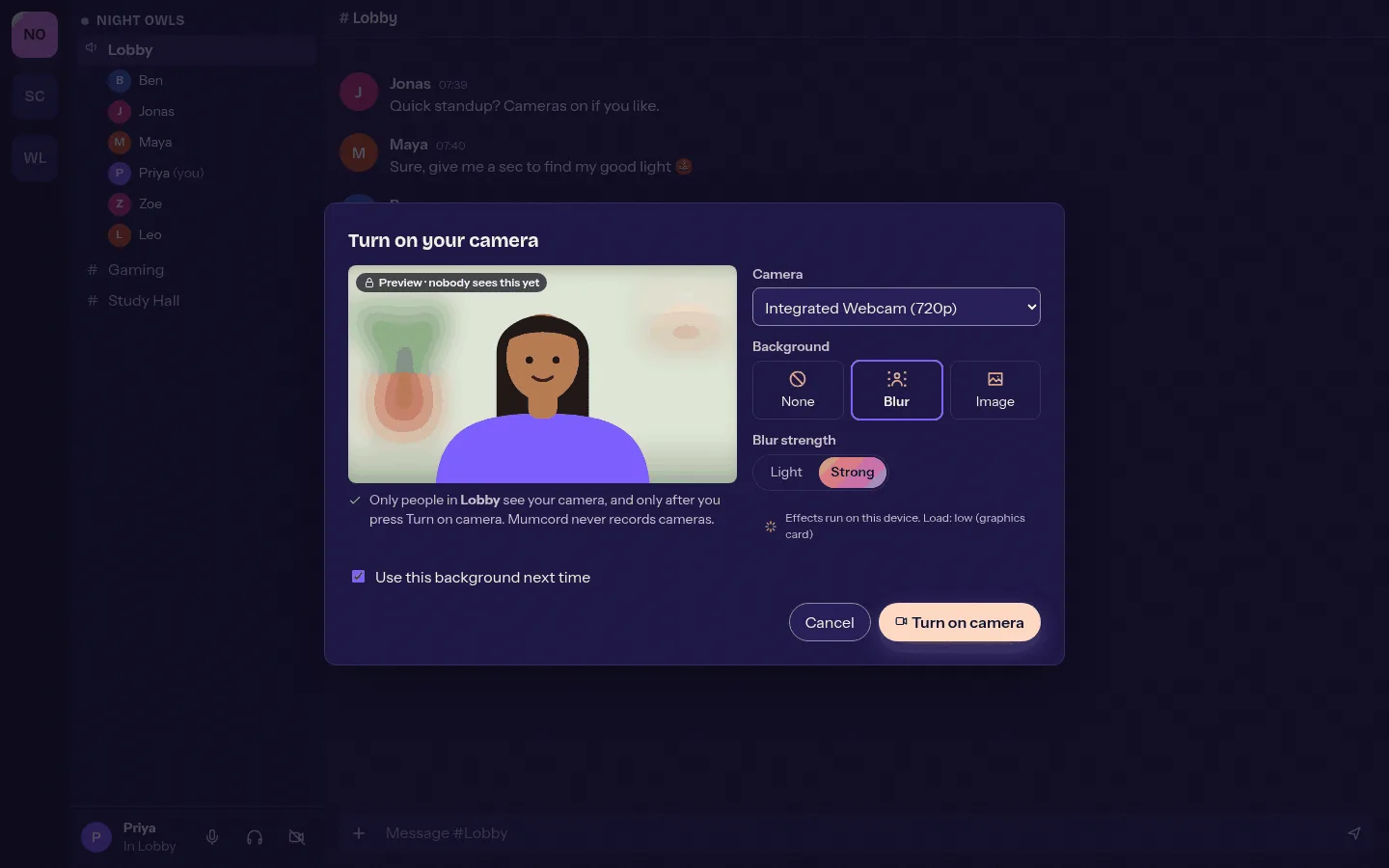
- done: Blur your background or put an image behind you, computed on your PC. Your own images never leave your device
- done: The camera always starts off and shows you a preview first. Nothing is sent until you turn it on
- done: No record function, blocked people never see your camera, and if you like you stay without video entirely
Picture and chat, your way 3
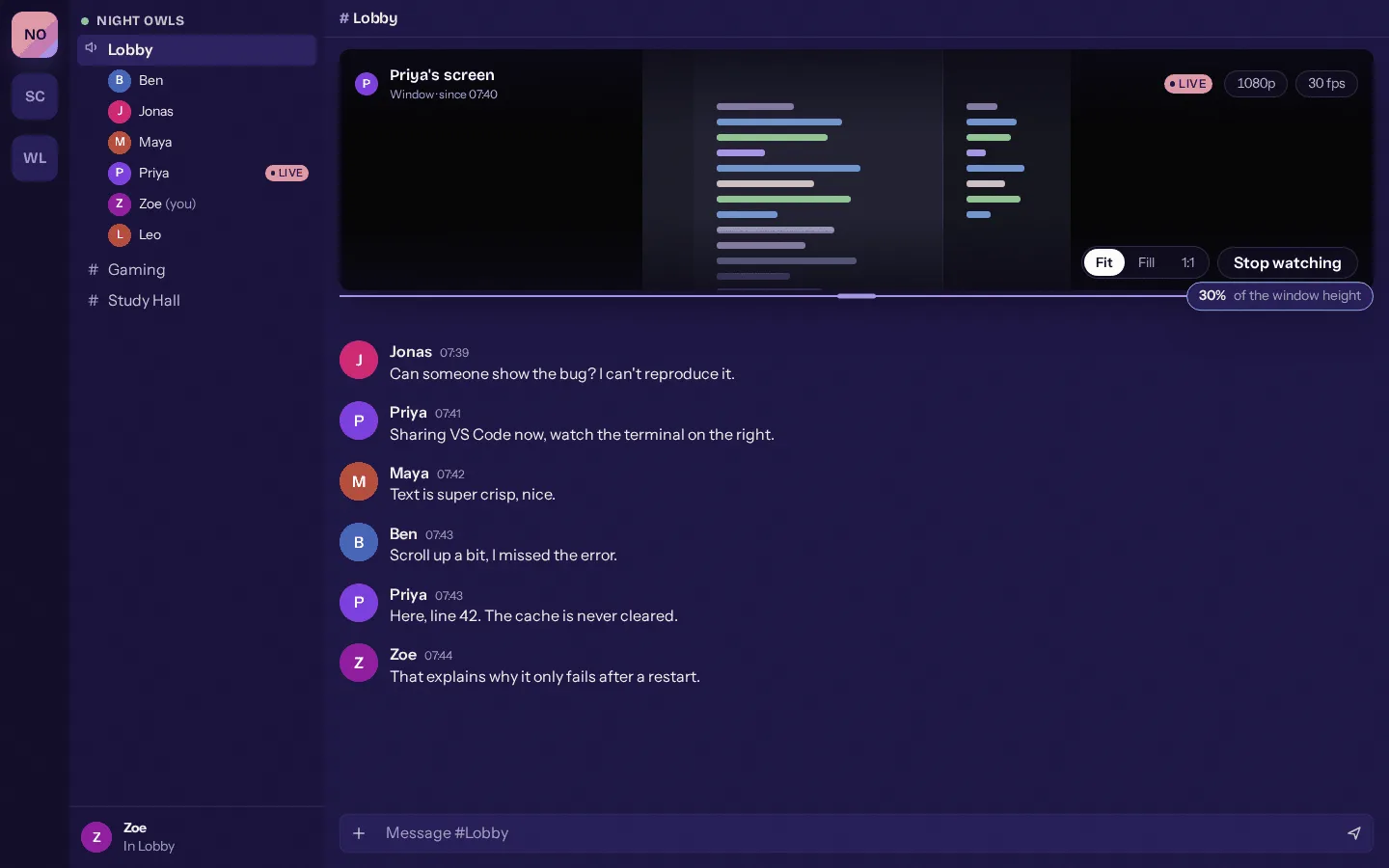
- done: A handle between picture and chat: drag the screen share, watch party and camera room bigger or smaller
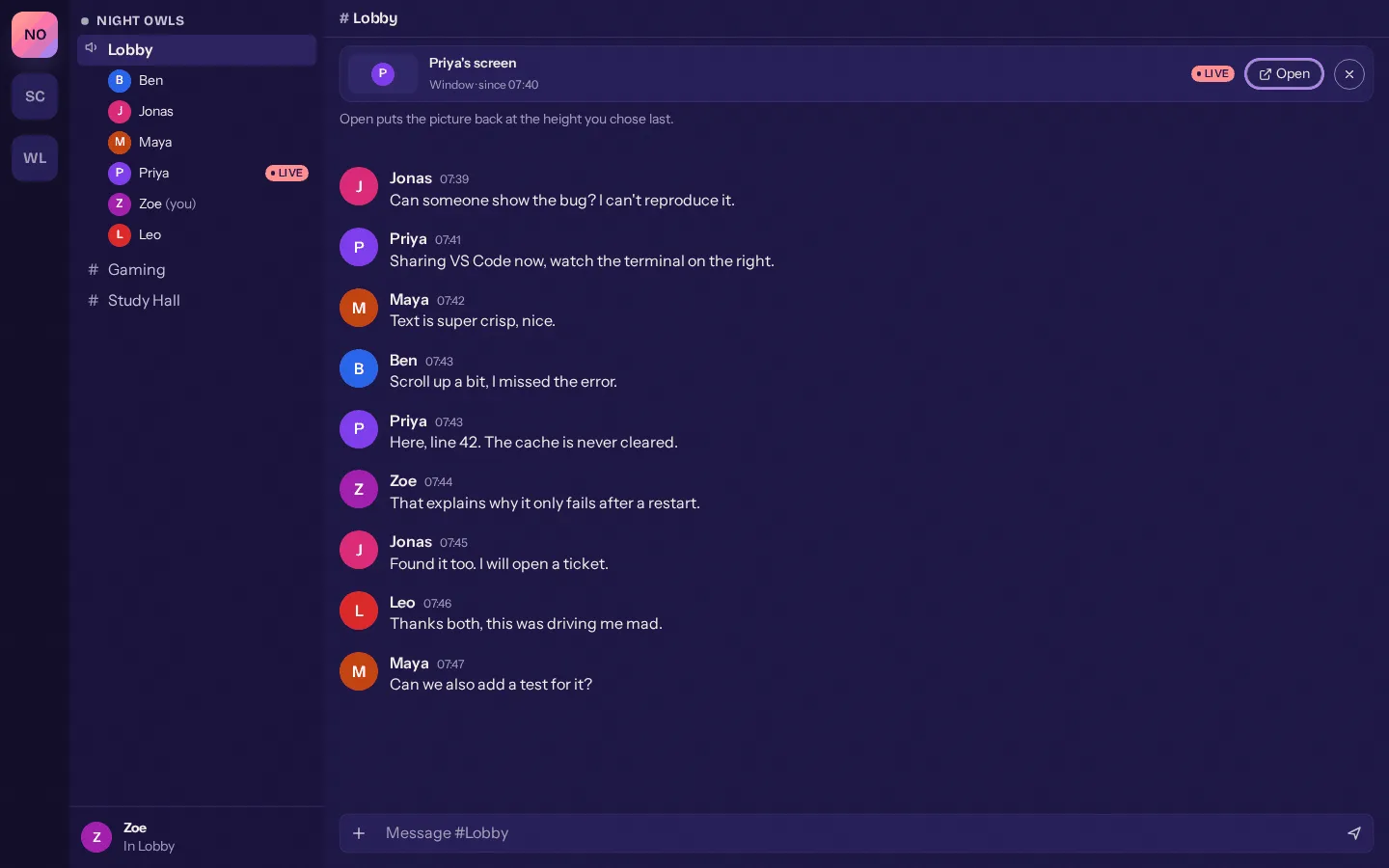
- done: Drag it all the way up and the picture becomes the mini bar, a double-click brings back the old size
- done: Works with the keyboard and screen readers, and Mumcord remembers your height
Plugins on stage 2
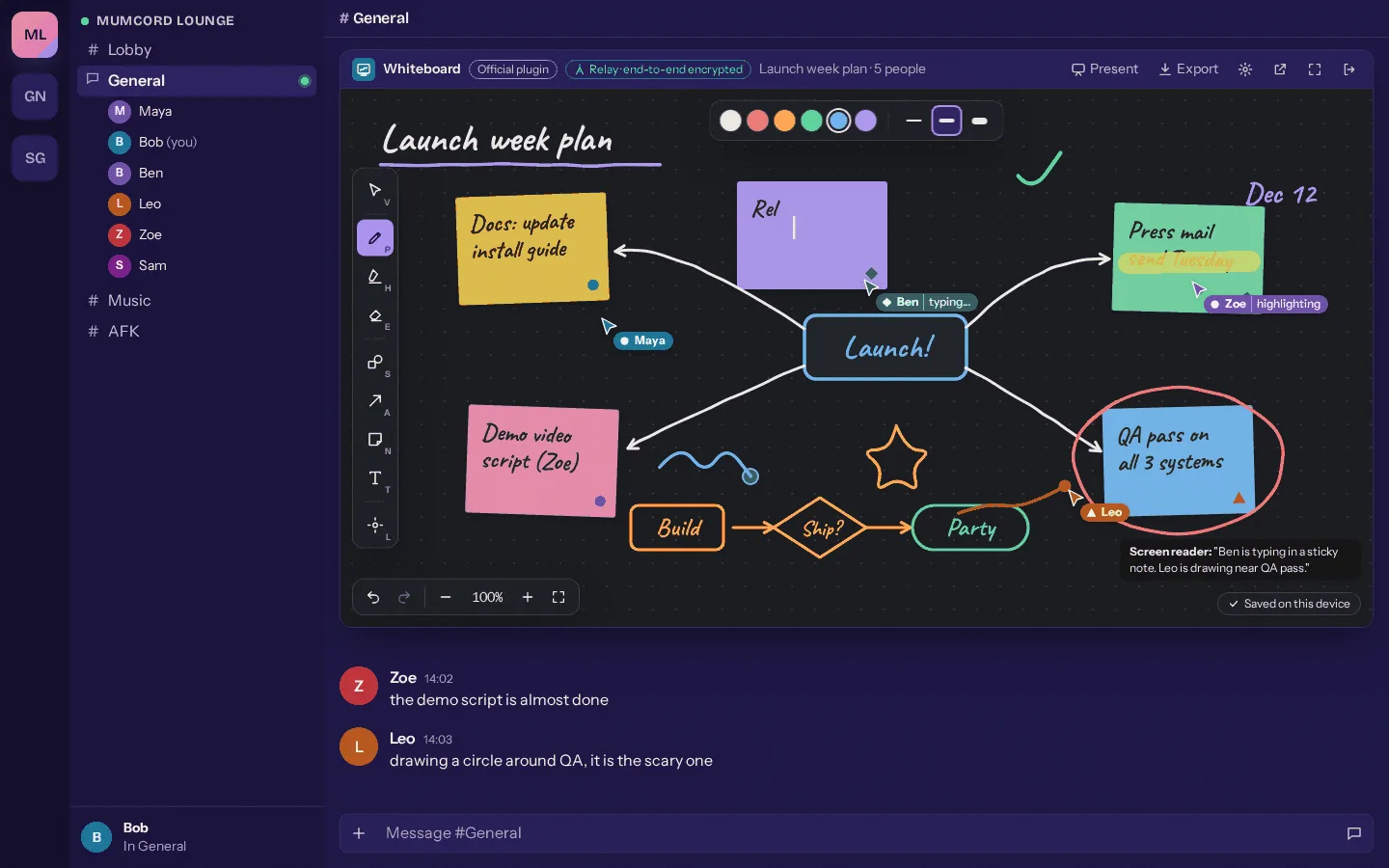
- done: Plugins get the media area: games and whiteboards run where the screen share, watch party and cameras usually are
- done: Plugins also open from the Apps menu, in the side panel or in a dialog, and large amounts of data go end-to-end encrypted through the relay
Plugins from others, with clear rules 4
- done: Plugins outside the official repository may show their own web content too, but only in a sealed frame
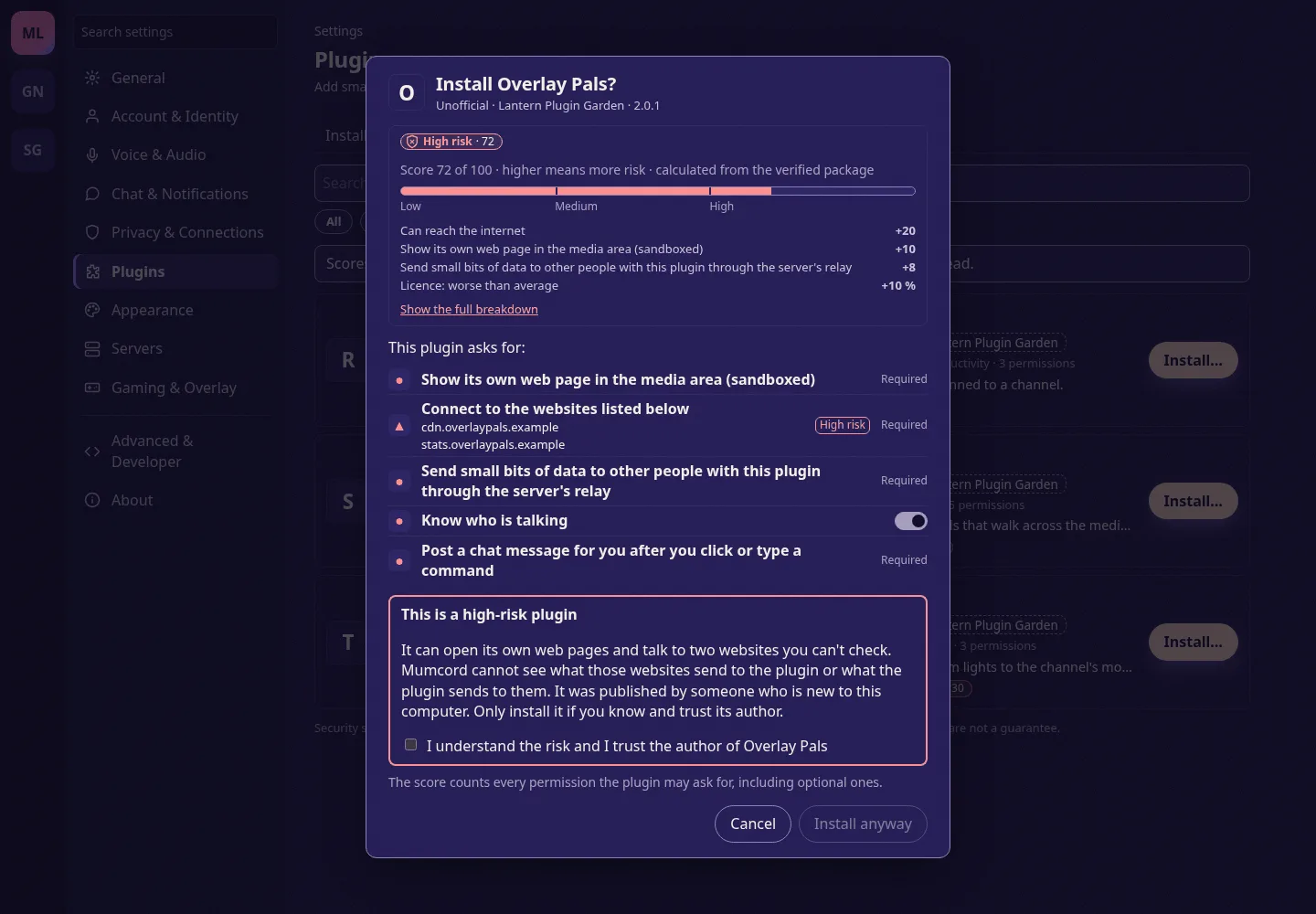
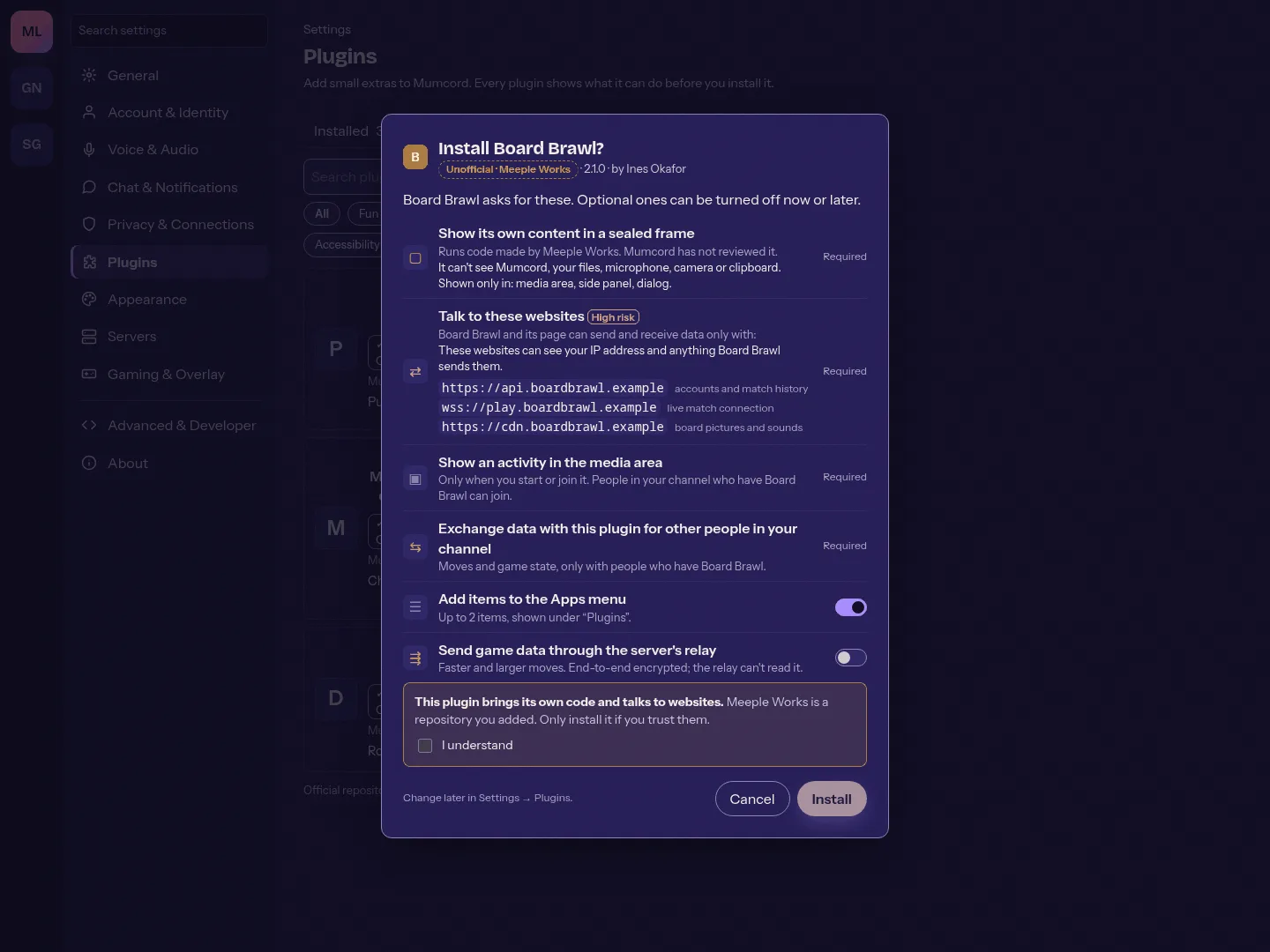
- done: Every website a plugin talks to is listed when you install it, and new websites need your approval
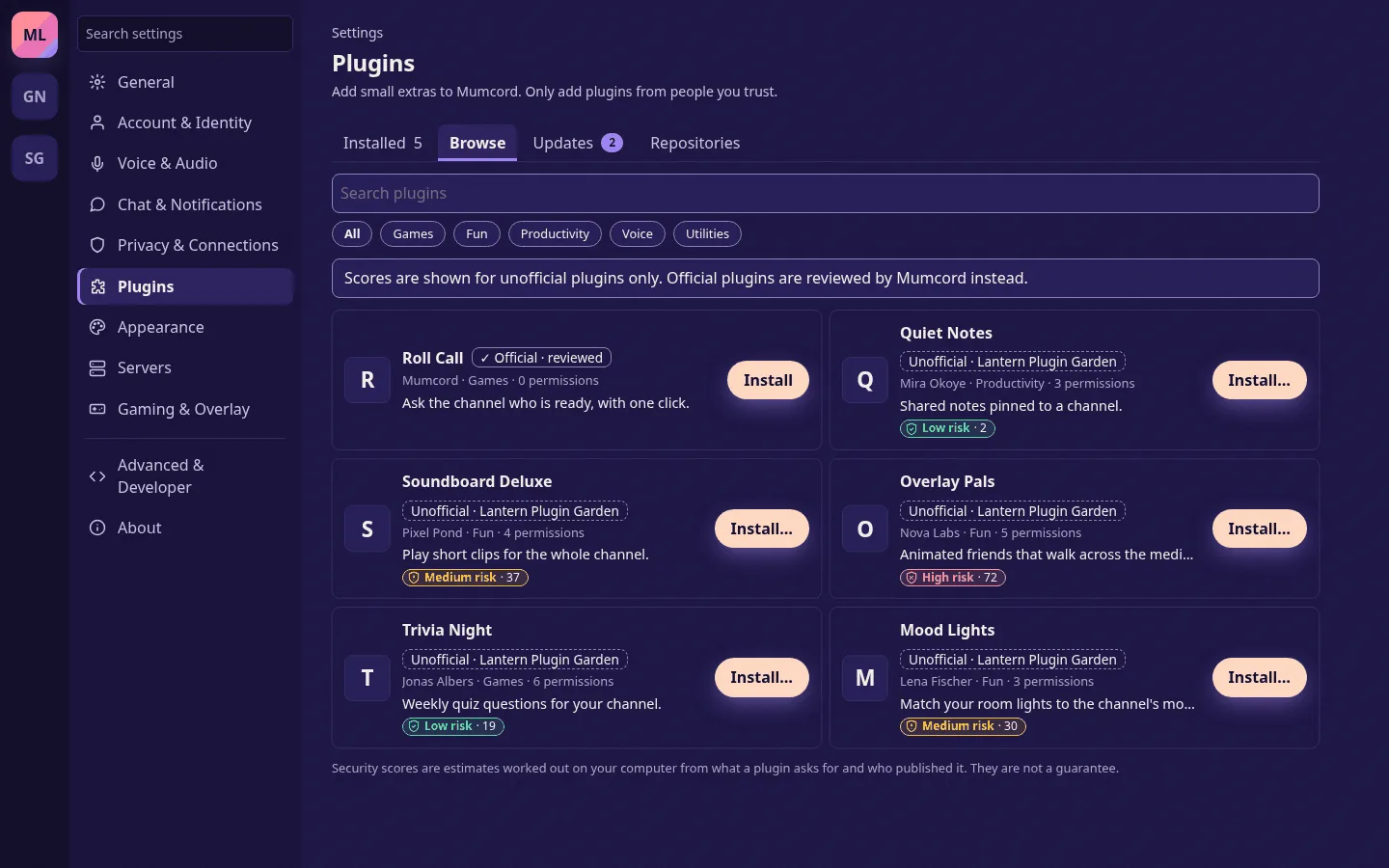
- done: A security score from 0 to 100 for unofficial plugins, worked out on your computer. Official plugins show "Official · reviewed"
- done: Plugins state which Mumcord version they need, and older versions automatically get the newest plugin version that fits
Whiteboard and Skyloom 2
- done: Whiteboard, the official plugin for thinking together: an endless canvas with pens, sticky notes and a laser pointer, saved on your device and exportable as PNG, SVG or PDF
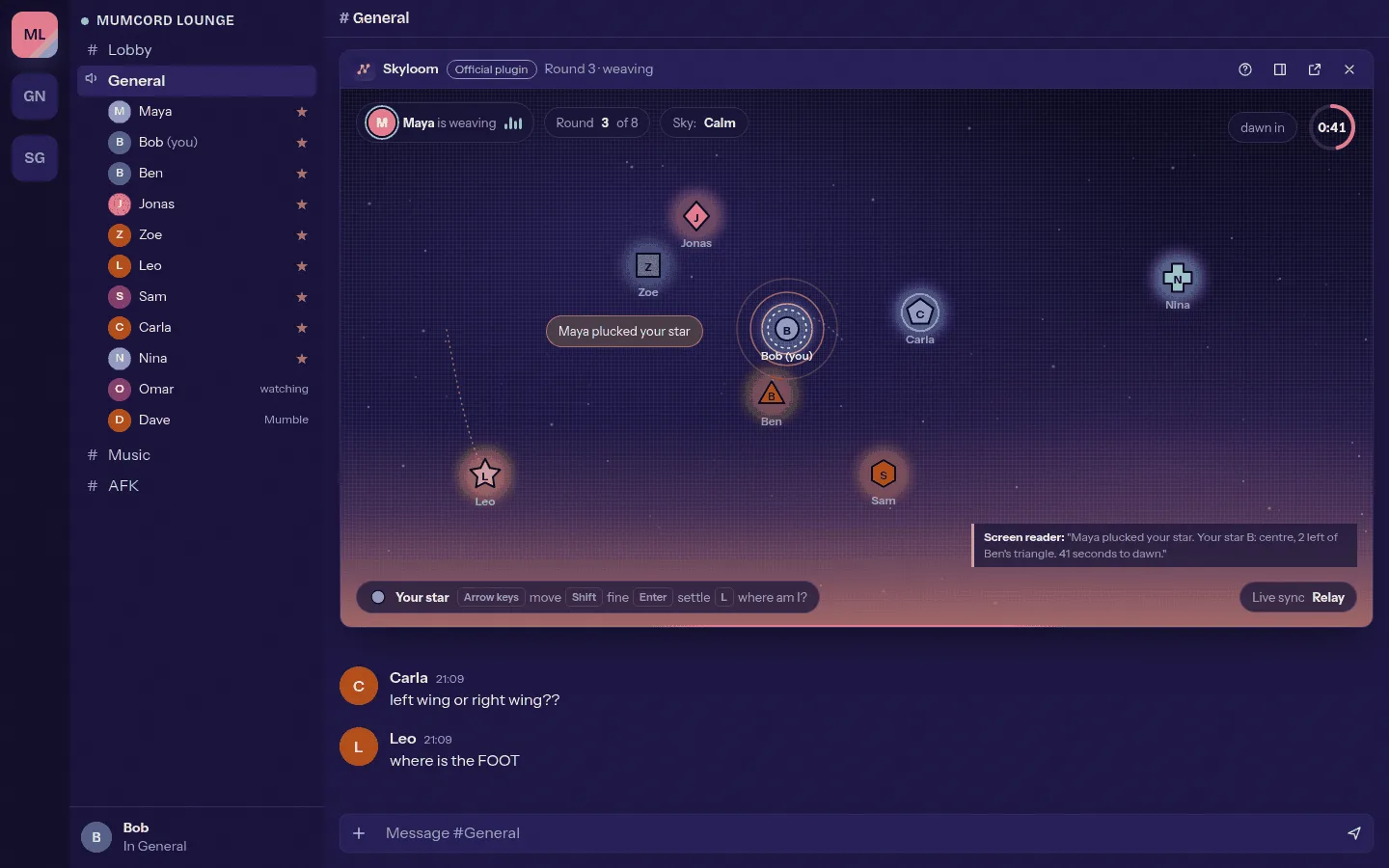
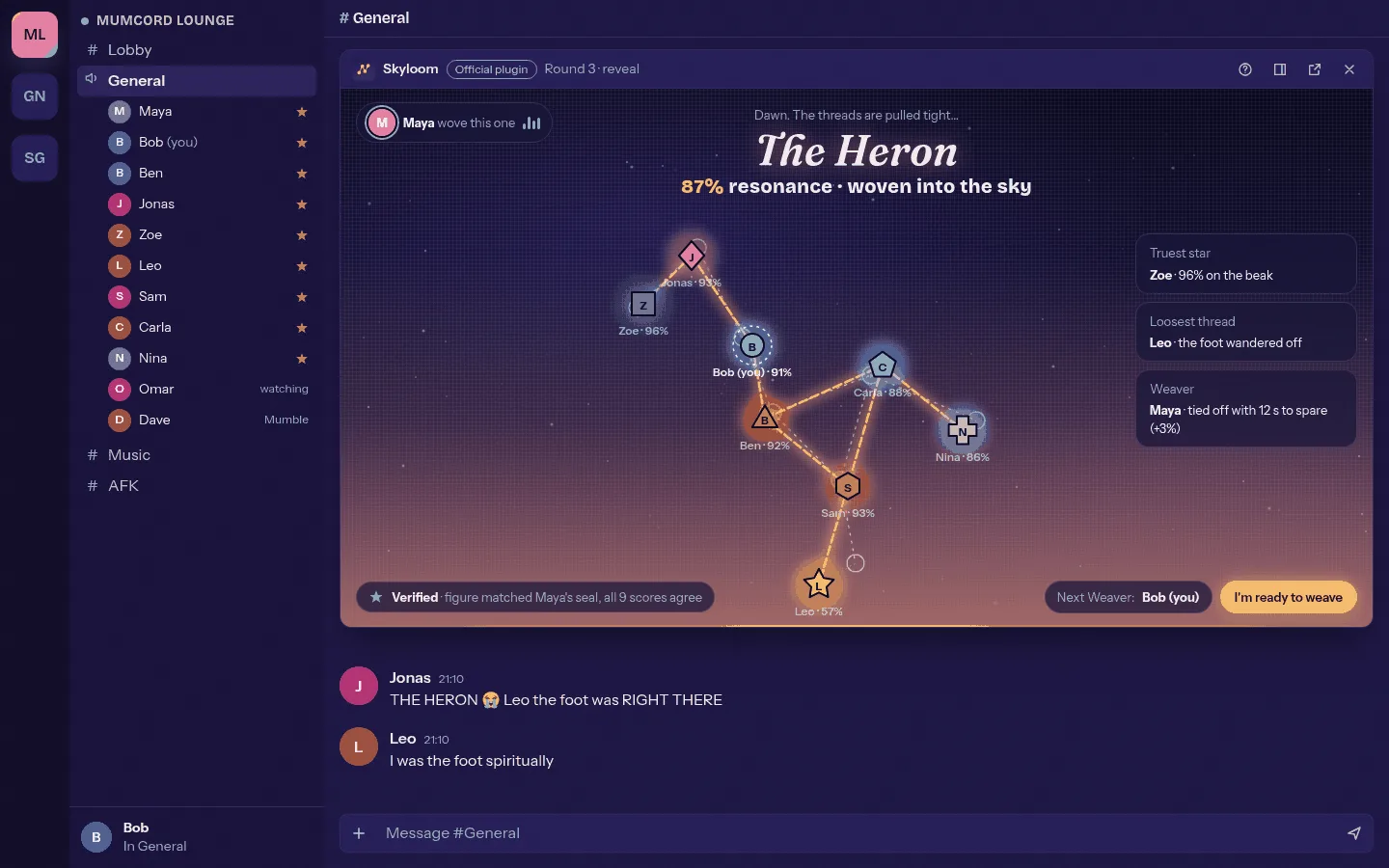
- done: Skyloom, a voice-only game for 2 to 12 people: one person describes a hidden constellation, everyone else places one star each
Sketches from the issues
Design sketches, not final. Names and content are made up.
-
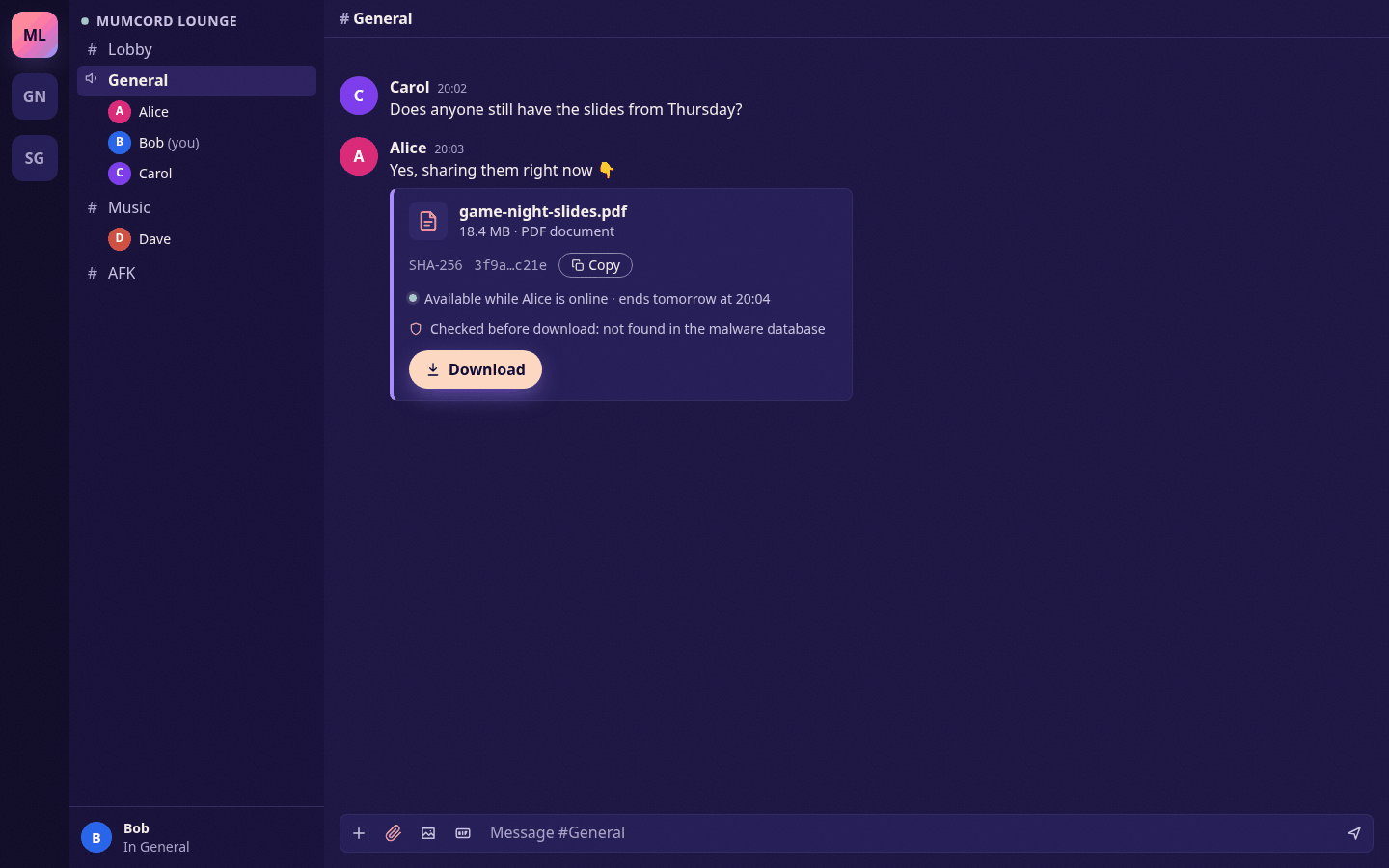
A shared file in the chat #348 -
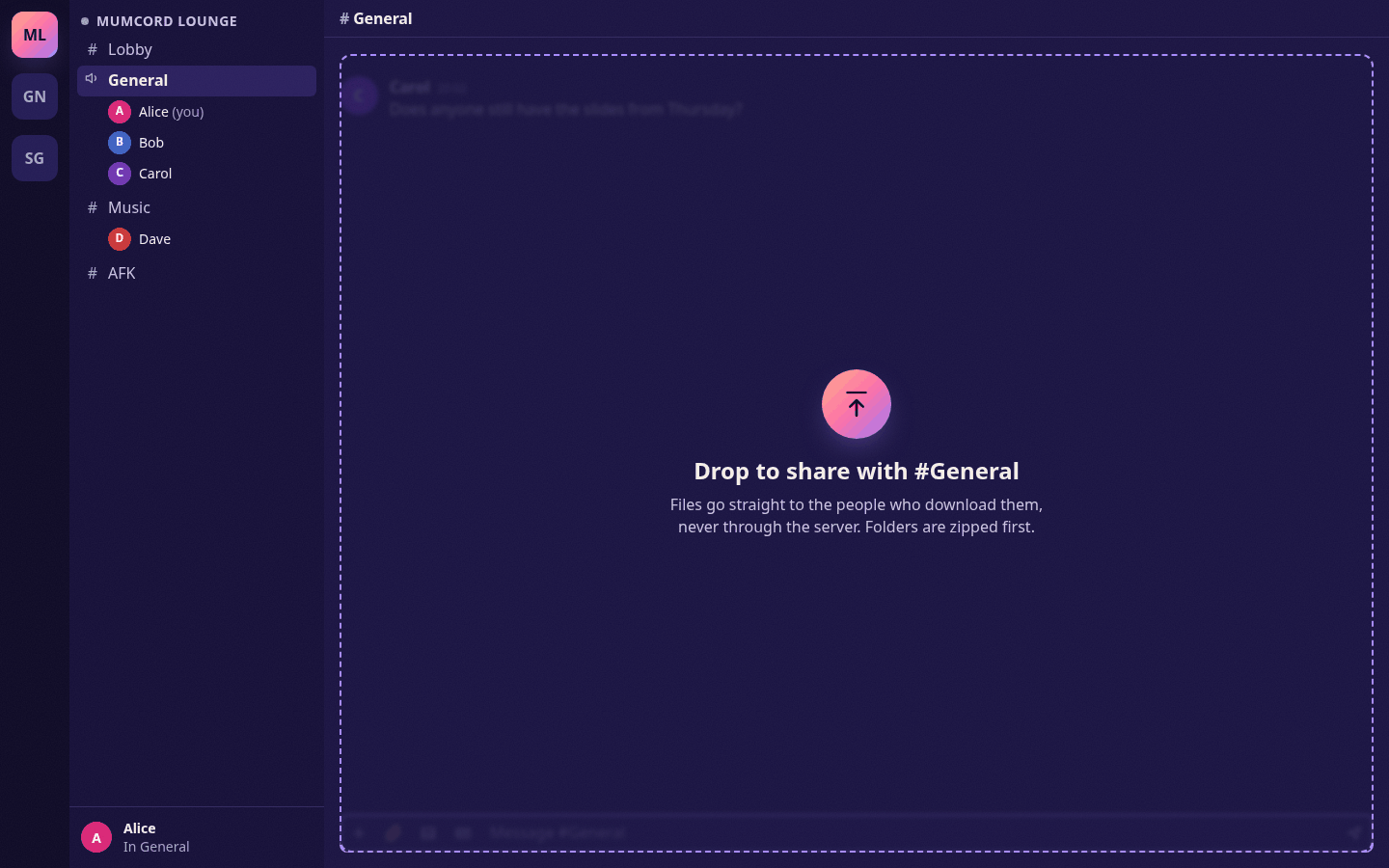
Drag a file into the chat #348 -
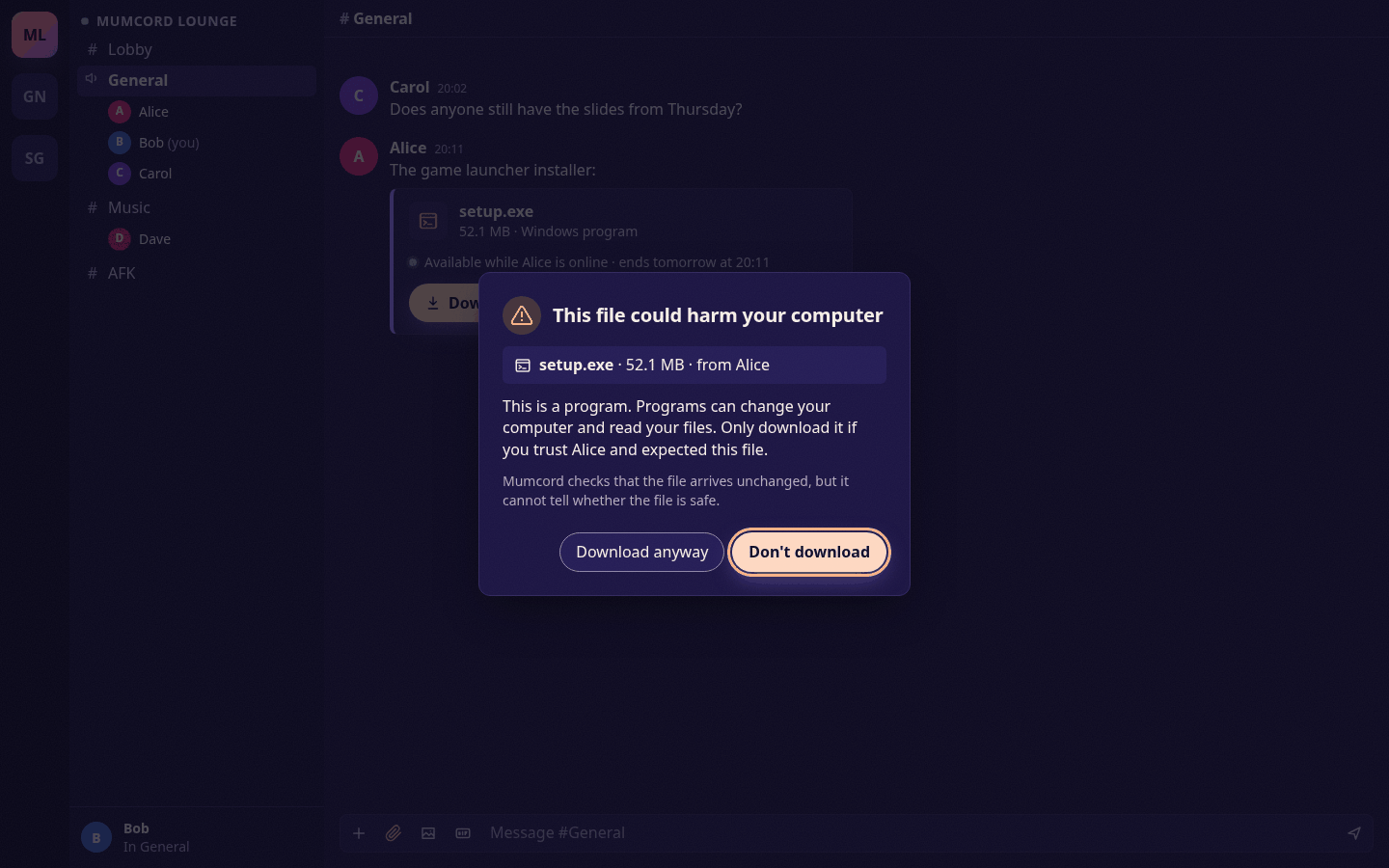
A warning for a program #348 -
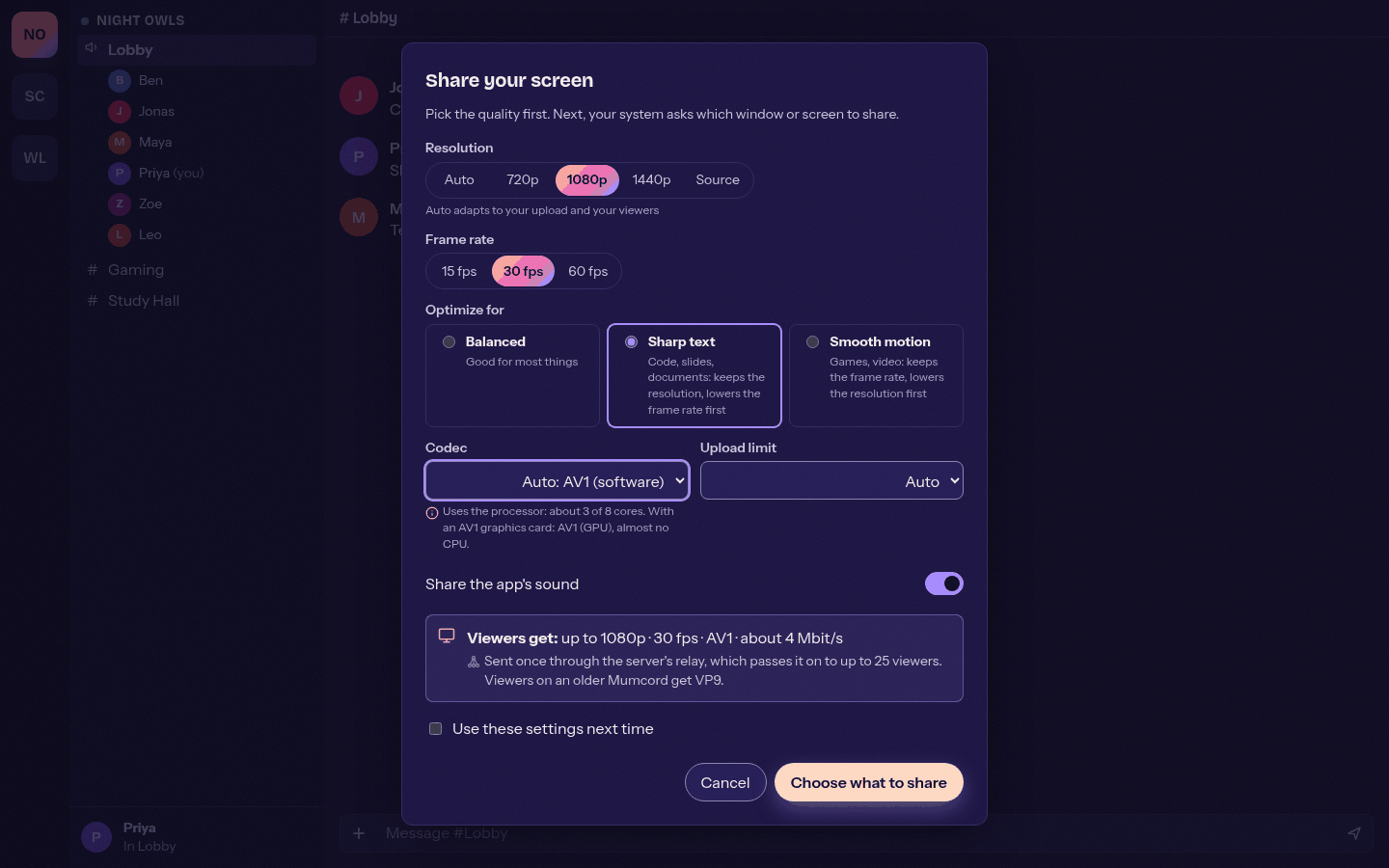
Choose resolution, frame rate and codec #355 -
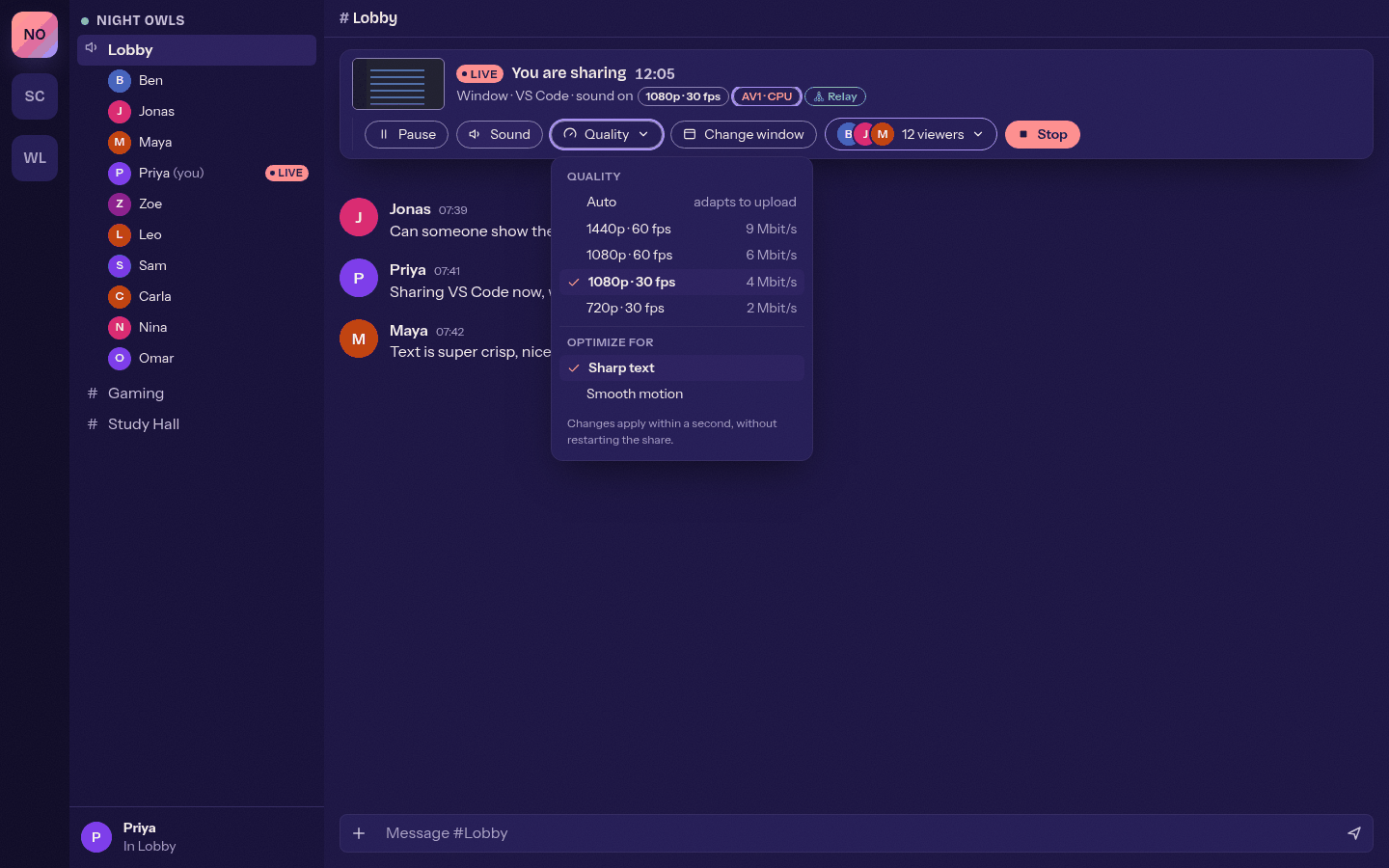
Change the quality while live #355 -
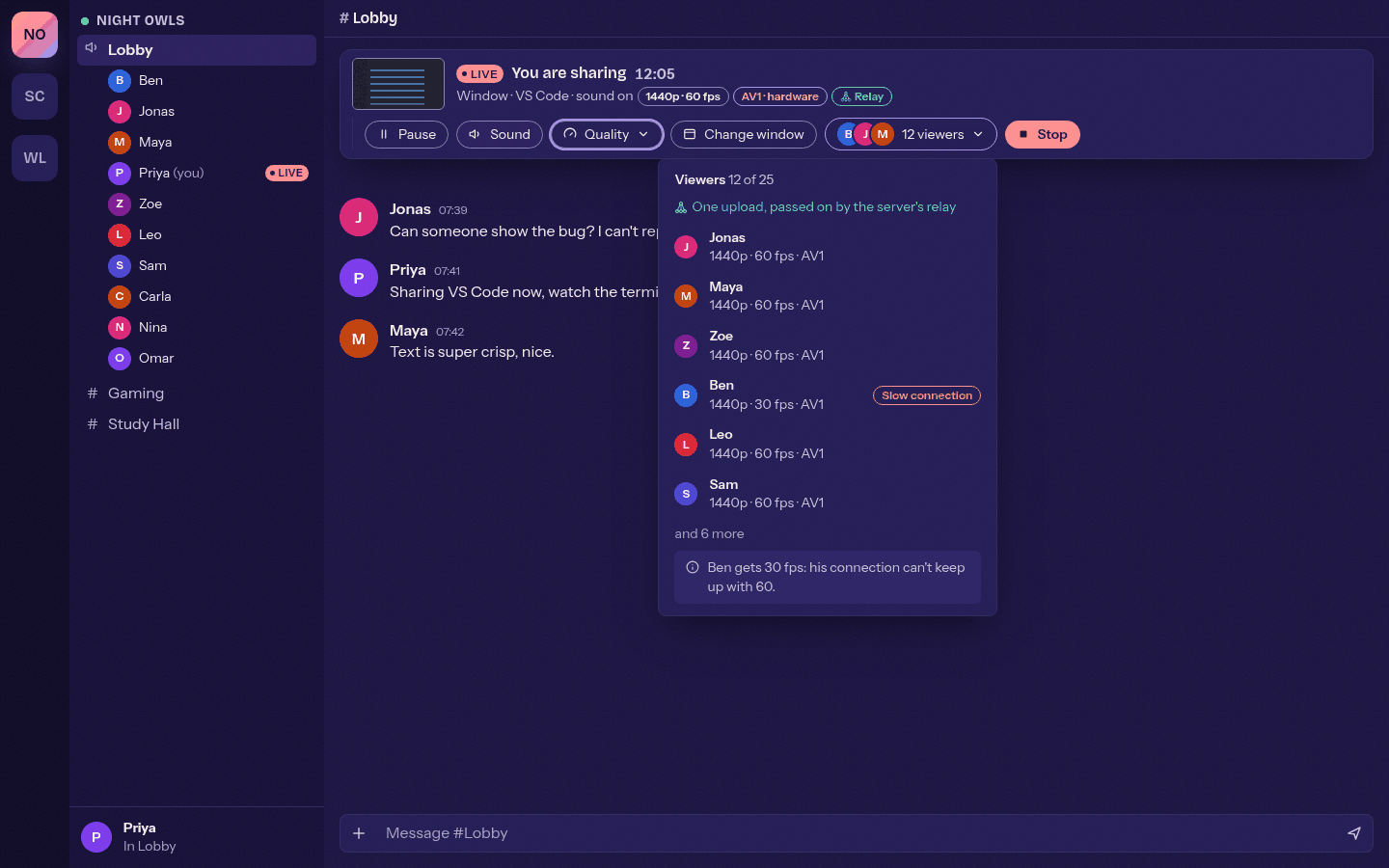
Up to 25 viewers through the relay #355 -
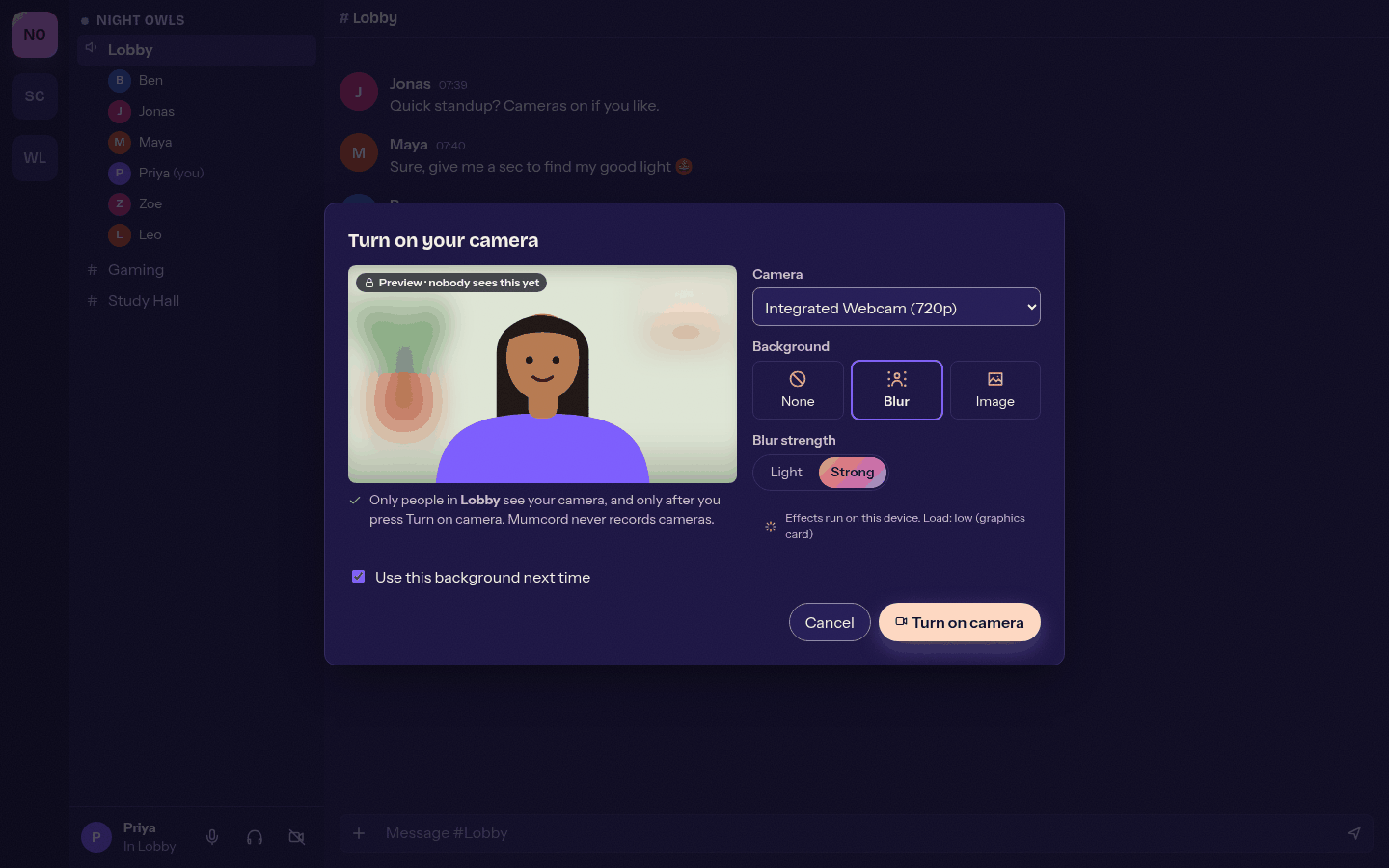
Preview with a blurred background #388 -
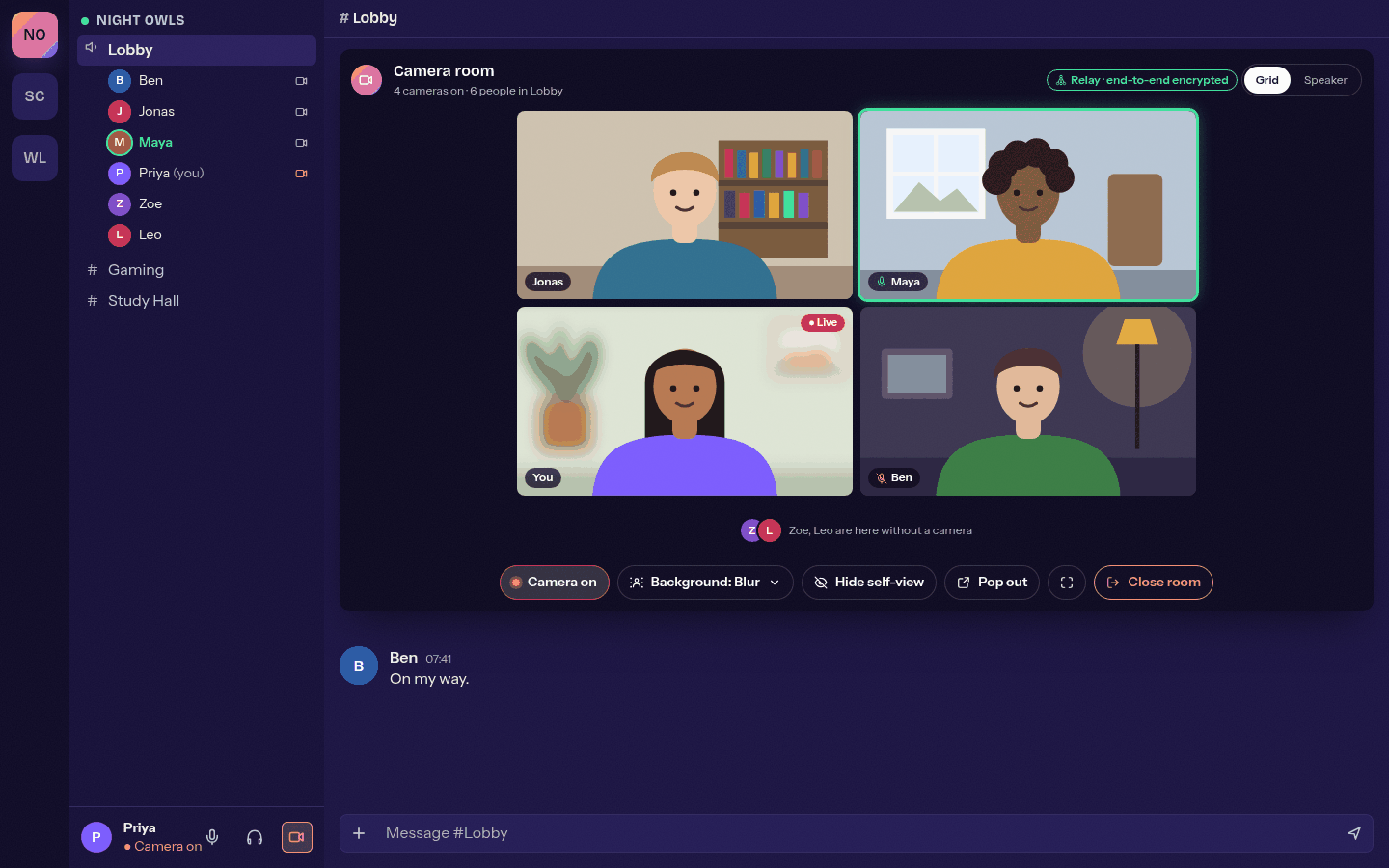
The camera room with four cameras #388 -
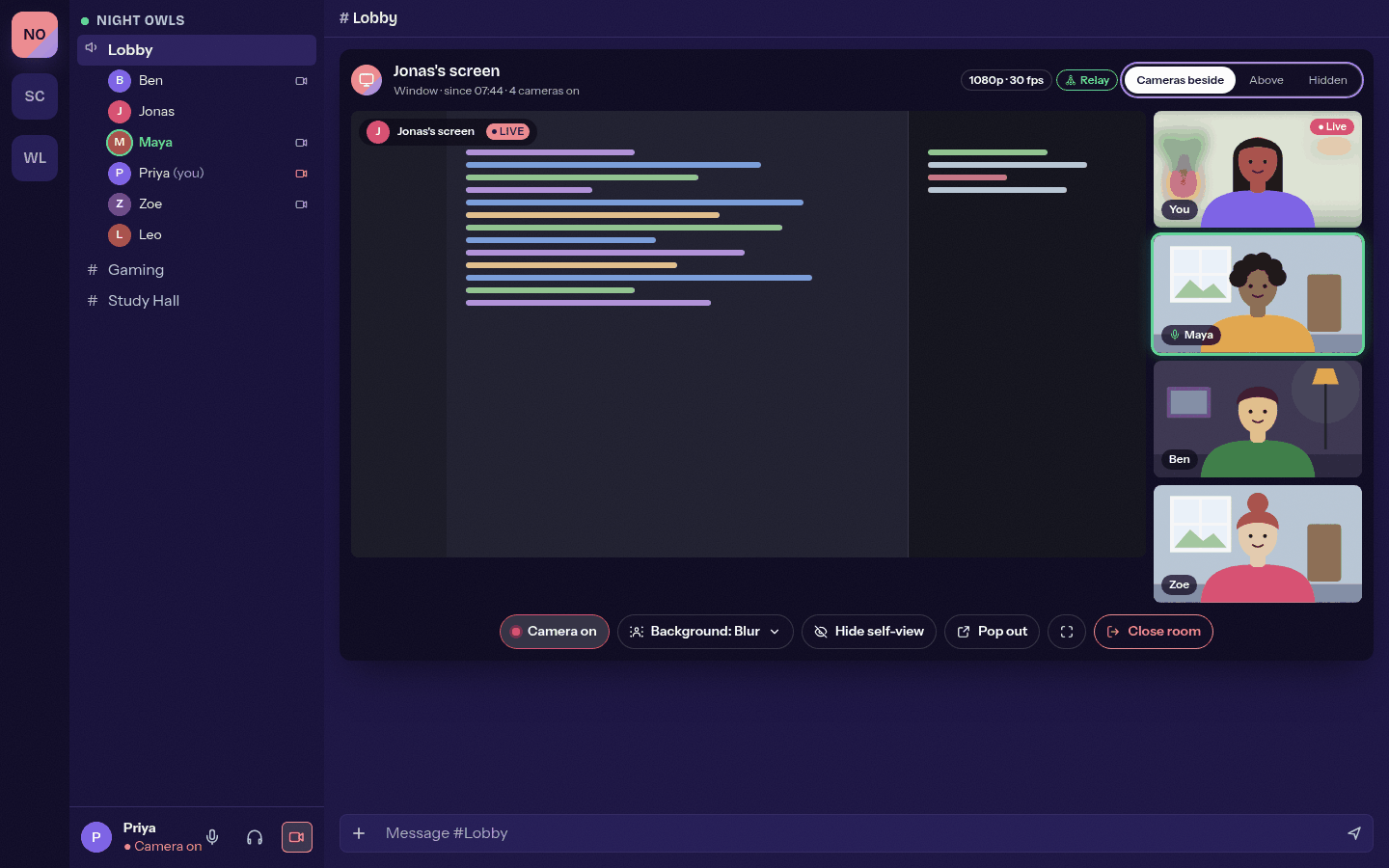
Cameras next to a screen share #388 -
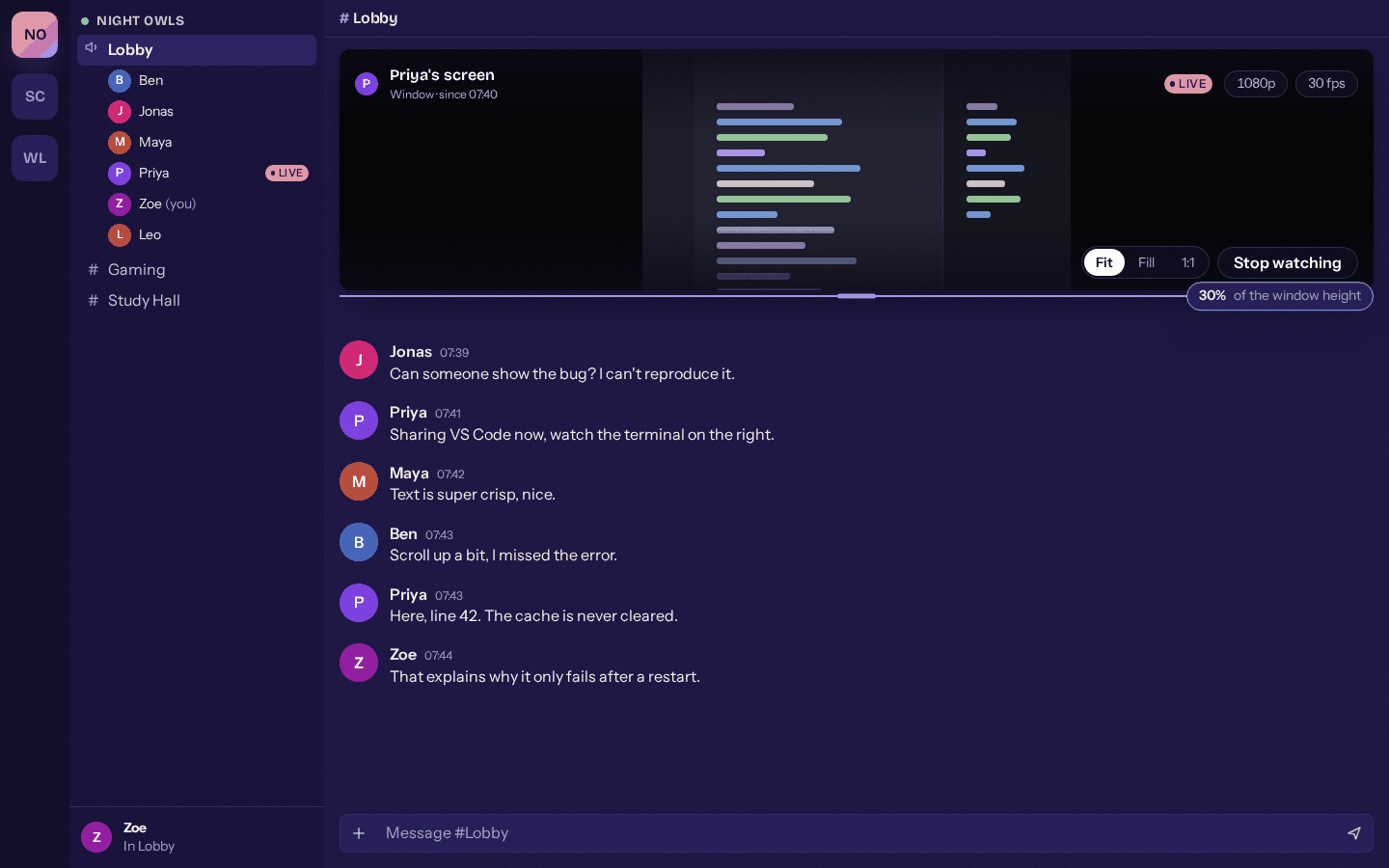
Drag the picture smaller, see more chat #386 -
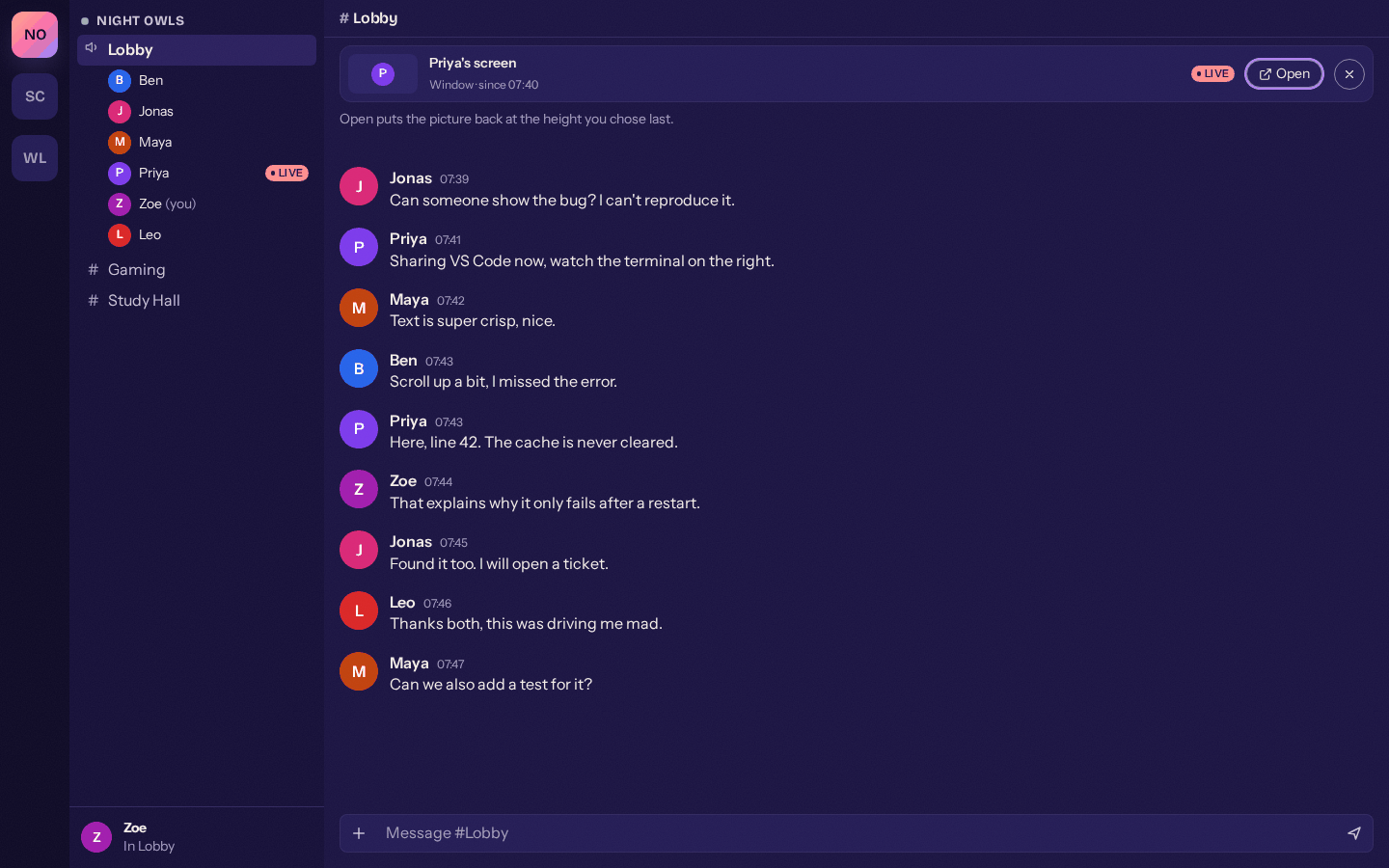
Very small, it becomes the mini bar #386 -
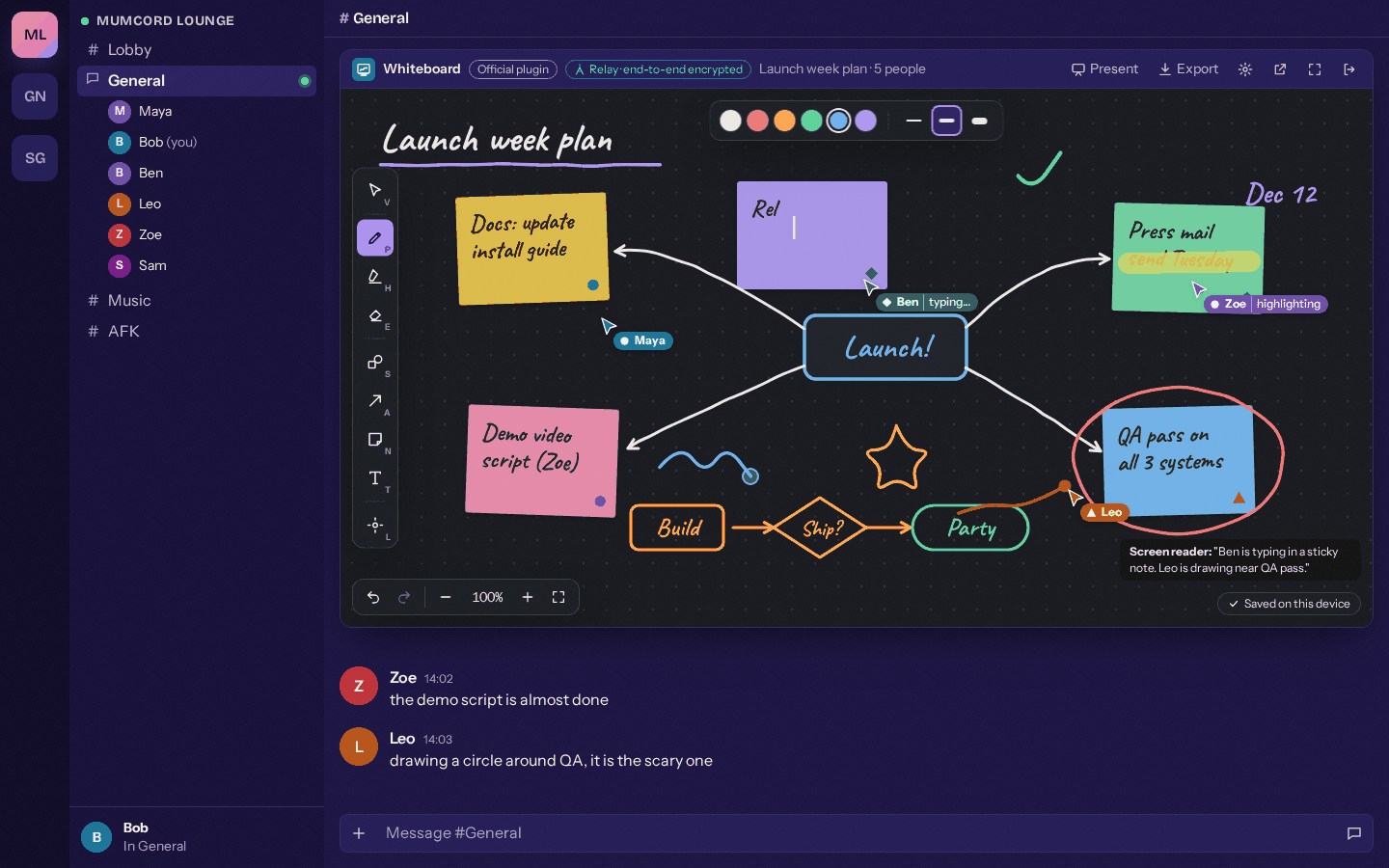
The whiteboard in the channel #397 -
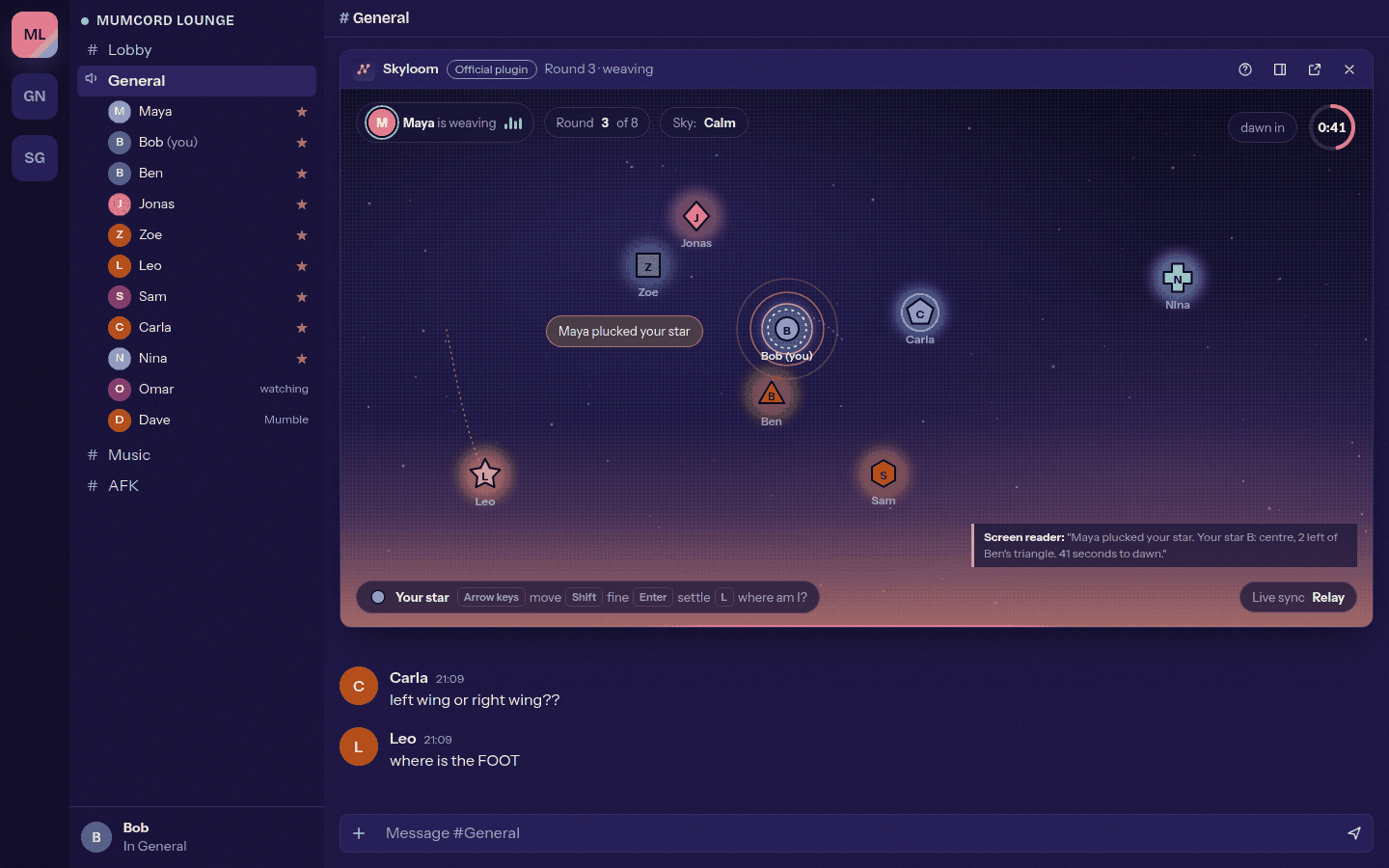
Skyloom: everyone places a star #394 -
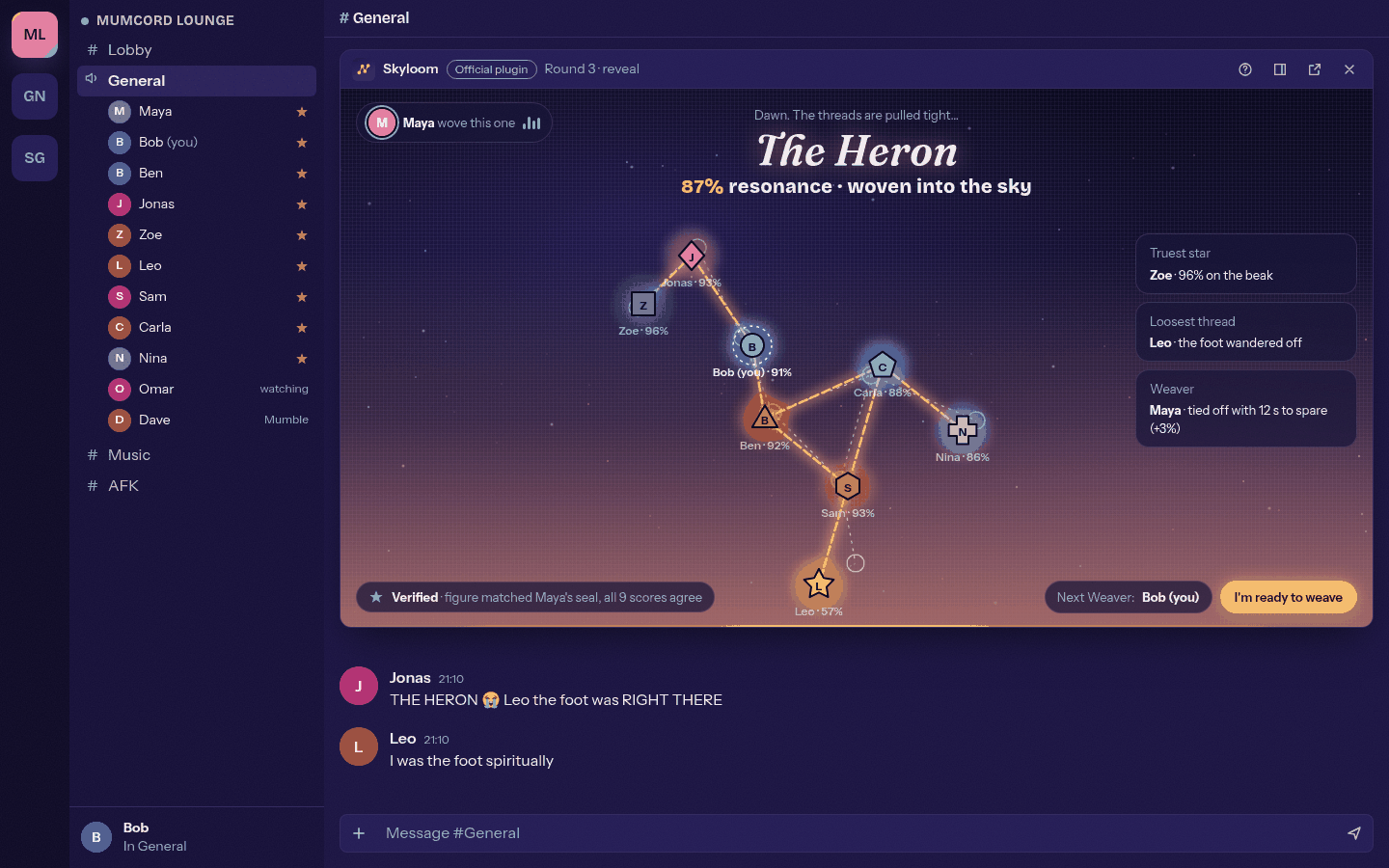
Skyloom: the constellation is revealed #394 -
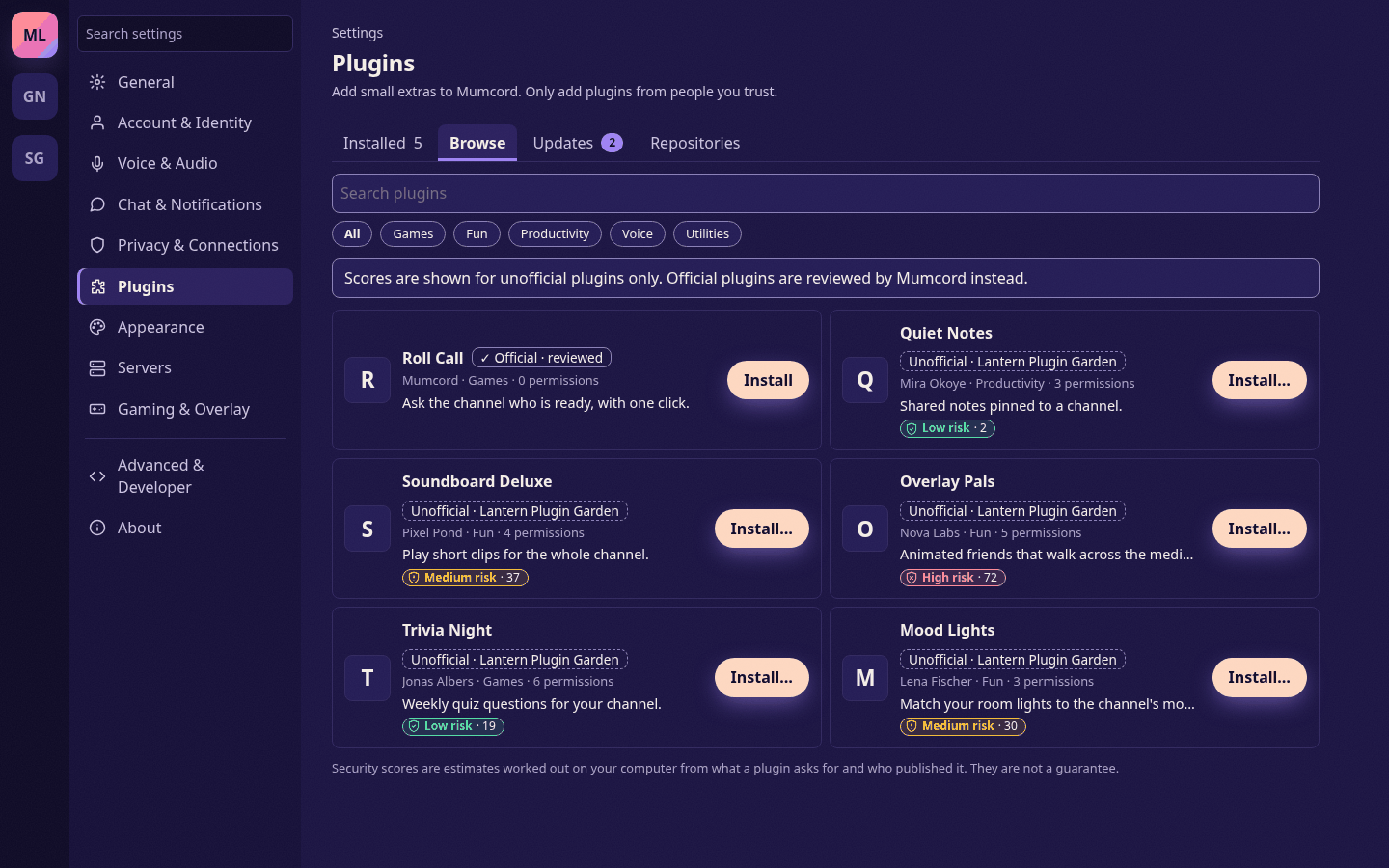
Plugins with a security score #393 -
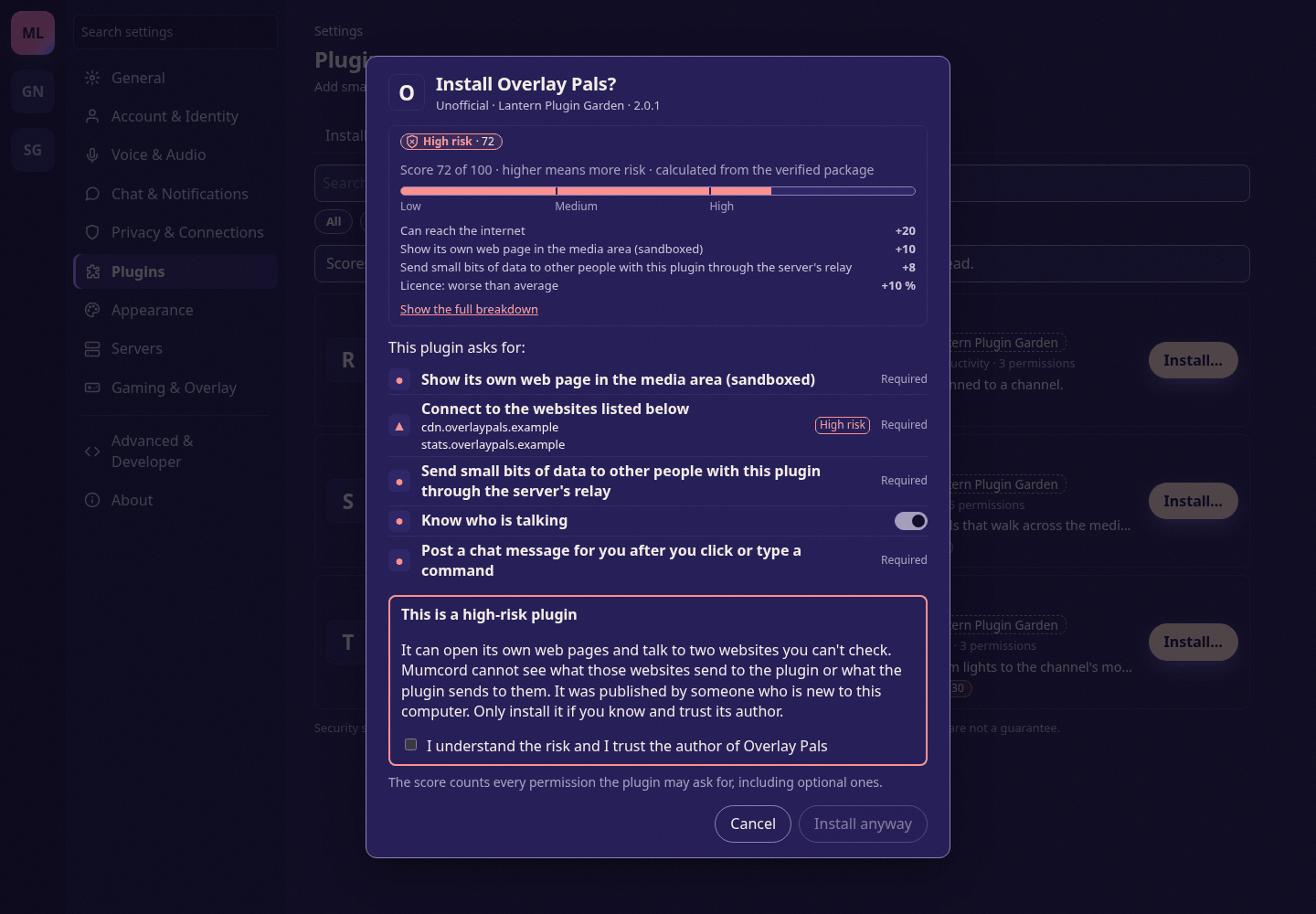
Installing a high-risk plugin #393 -
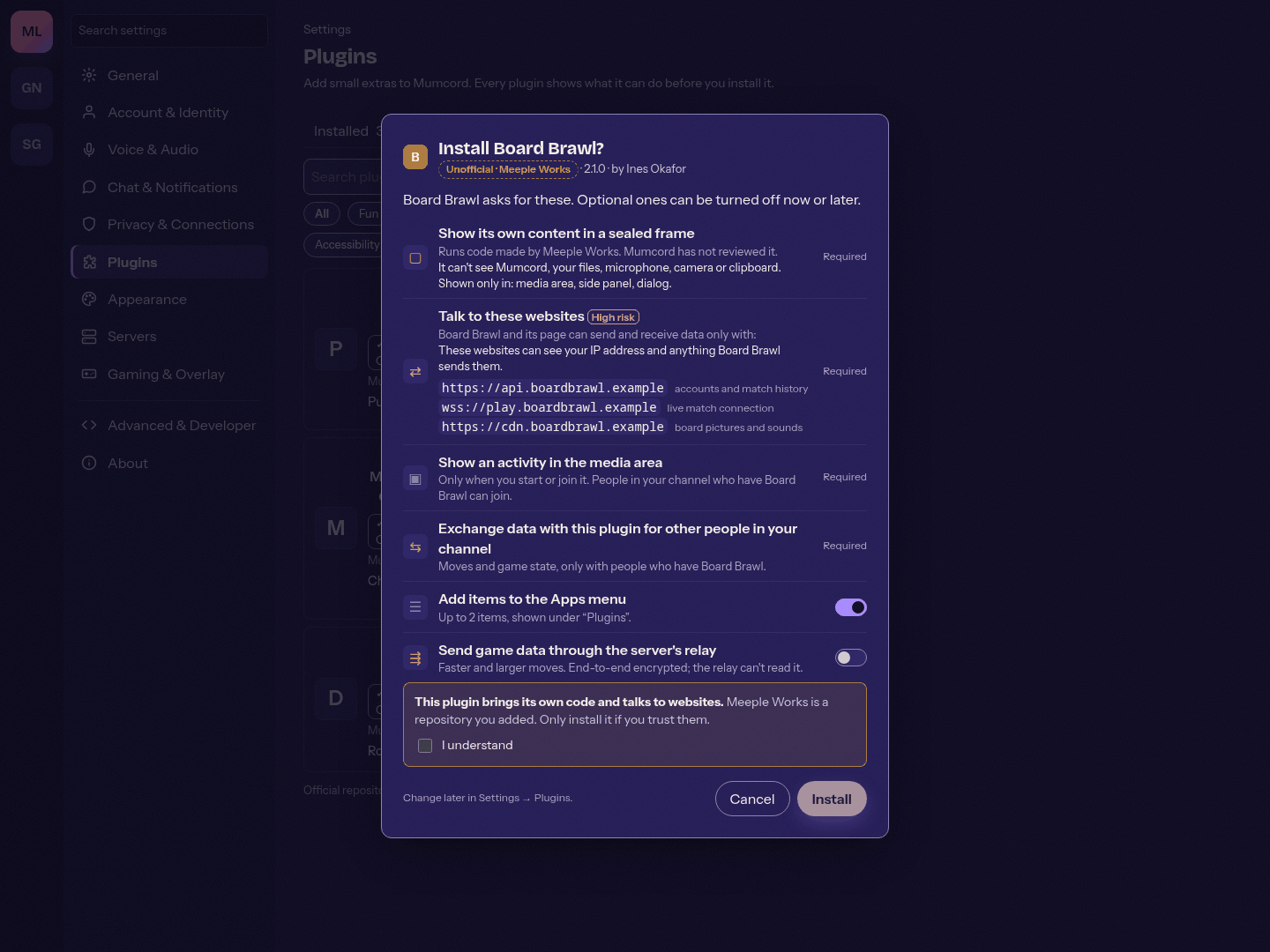
A plugin's websites at install time #395