

Follow channels
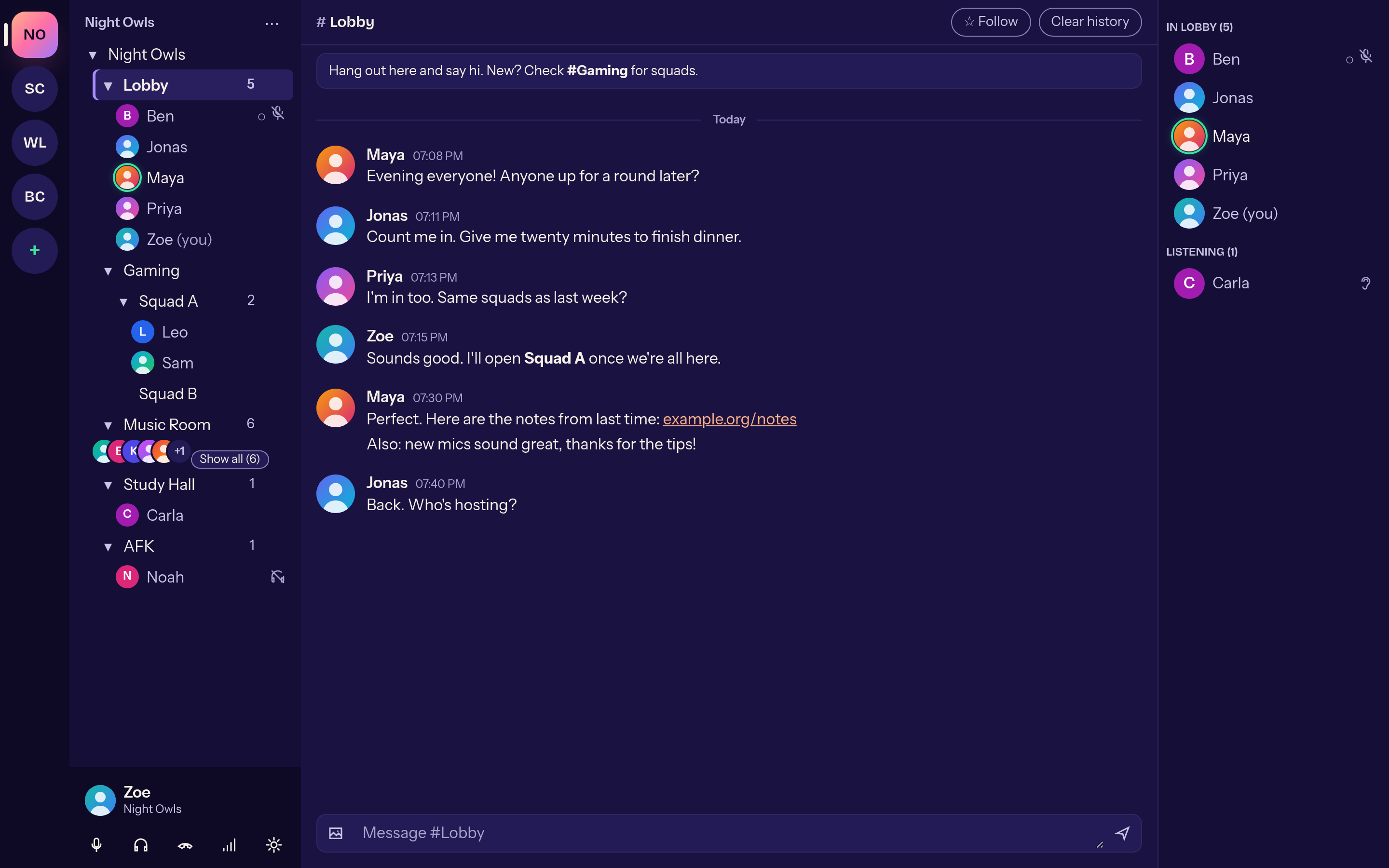
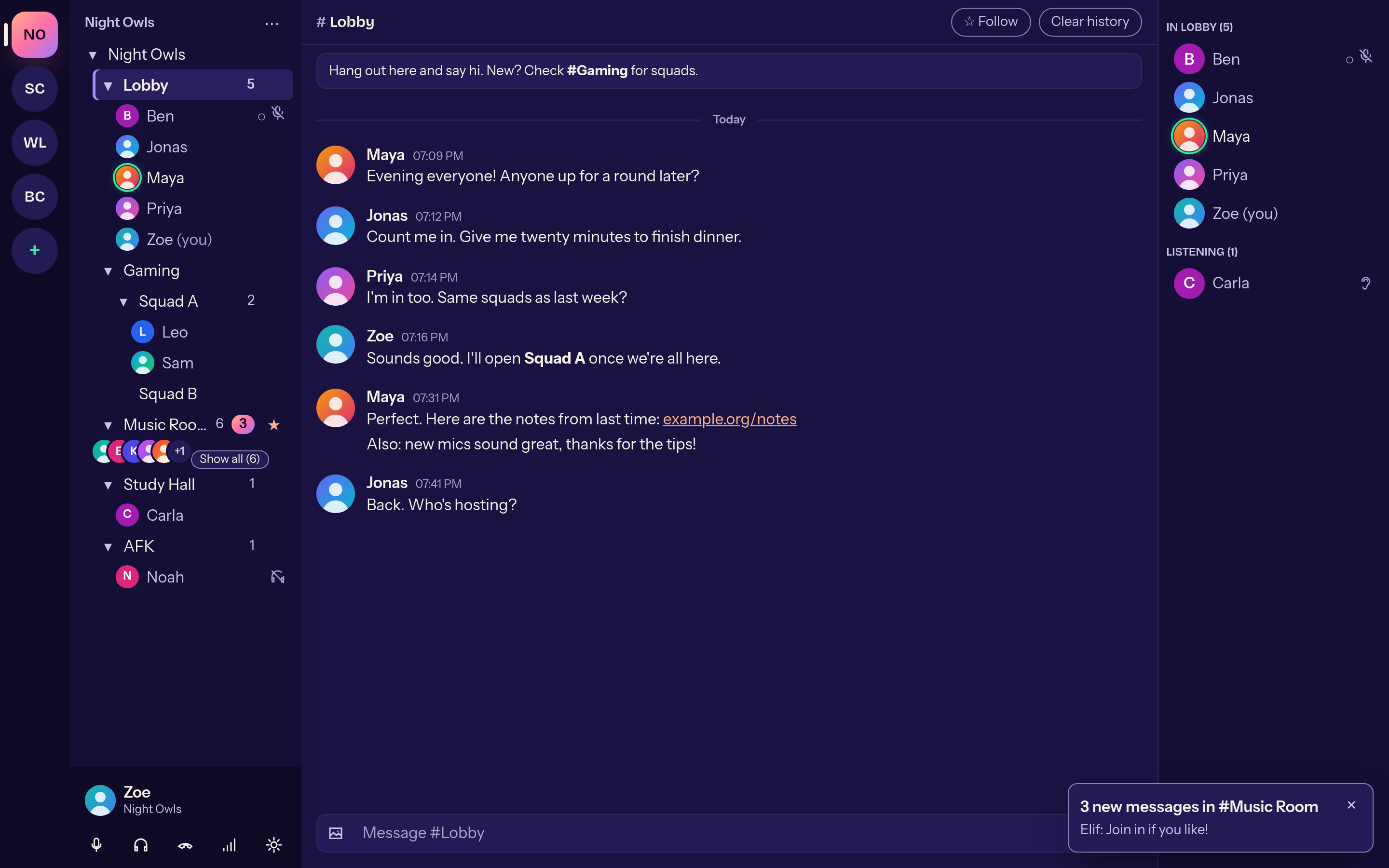
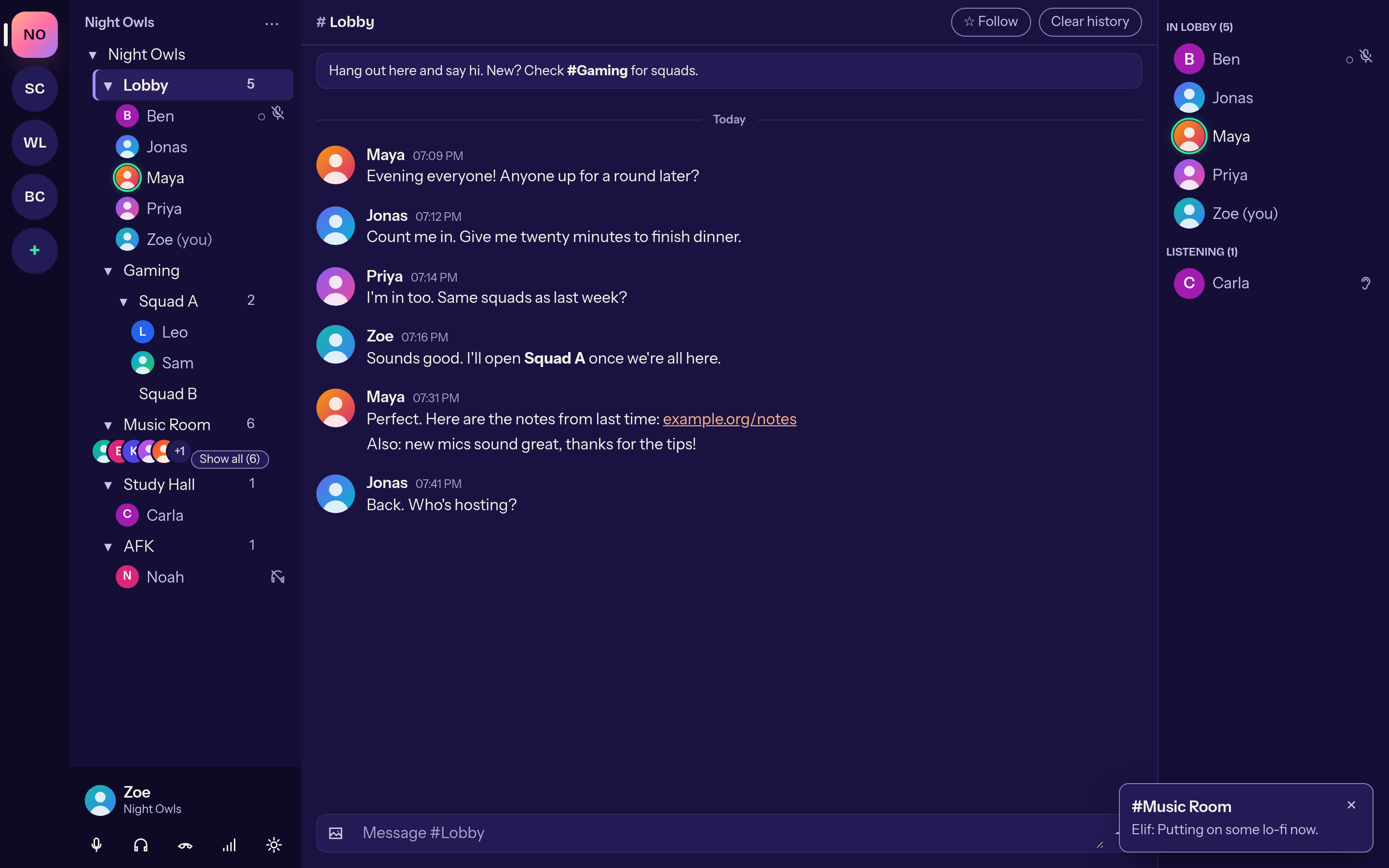
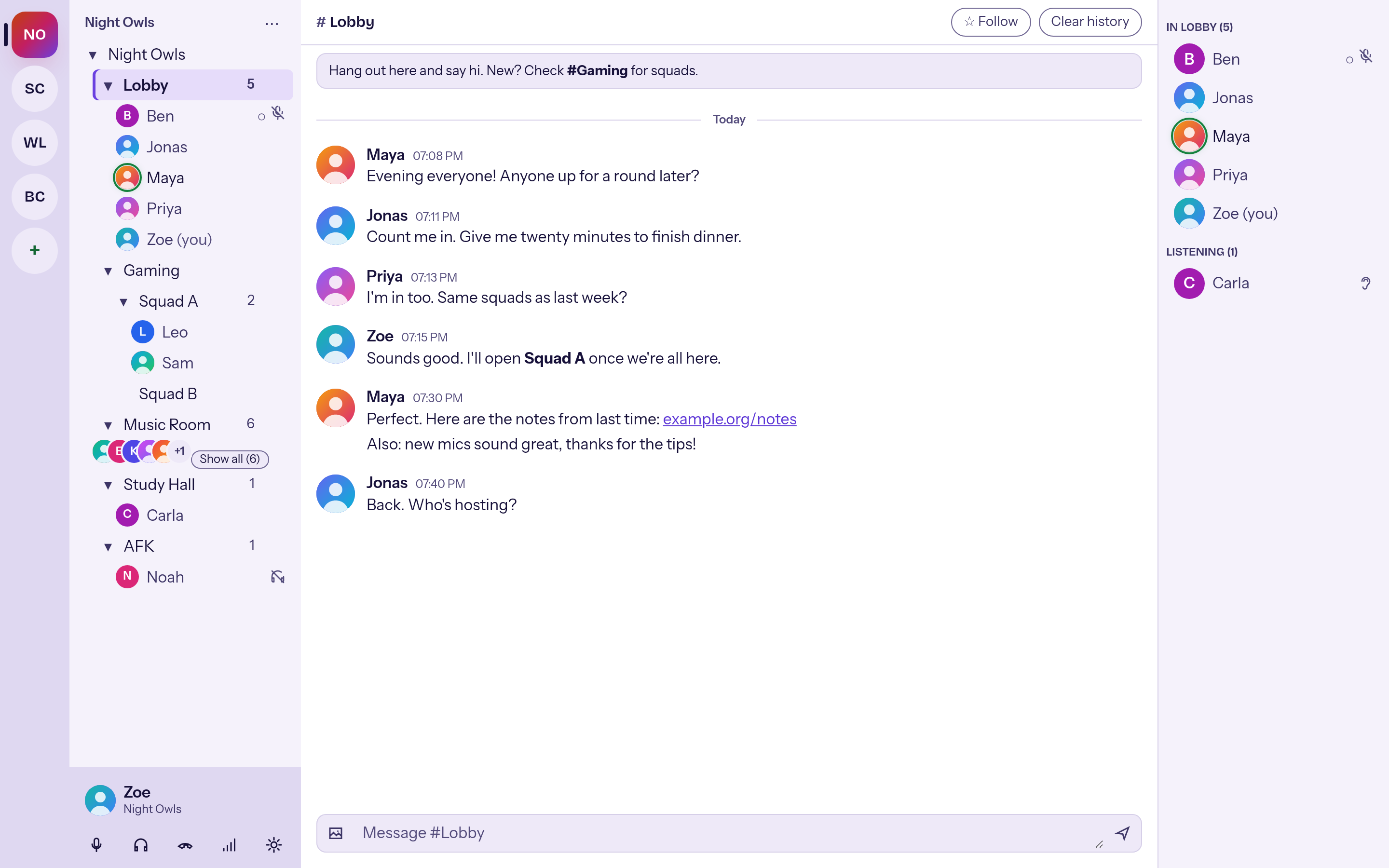
Click the star and you read along in a channel without joining it — or follow all of them from the server menu. Unread messages show up as a badge.
Alpha · Open source · MIT
Mumcord is a Discord-style desktop client that speaks the Mumble protocol. Server bar, channels, chat and member list — on any standard Mumble server. Nothing changes on the server.
01 — Push-to-talk
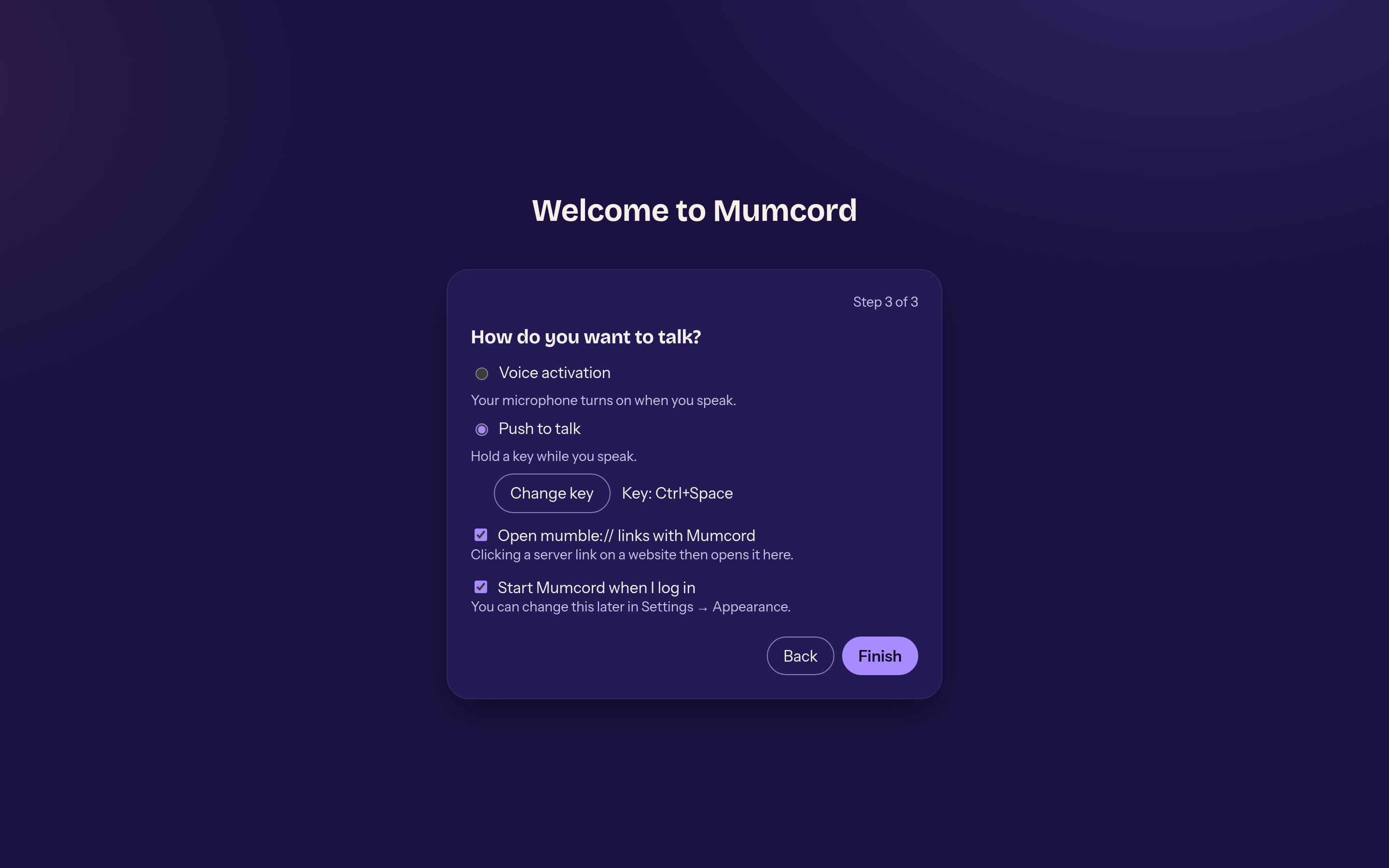
Keys and mouse buttons, even while a game has focus. On Wayland through the global-shortcuts portal — or in compatibility mode, like TeamSpeak.
Just an animation. This page never touches your microphone.
Hold space or press the key
02 — What Mumcord does today
As of Epic 1, stage 1a — the everyday client. What's missing is listed honestly in the roadmap.
Click the star and you read along in a channel without joining it — or follow all of them from the server menu. Unread messages show up as a badge.
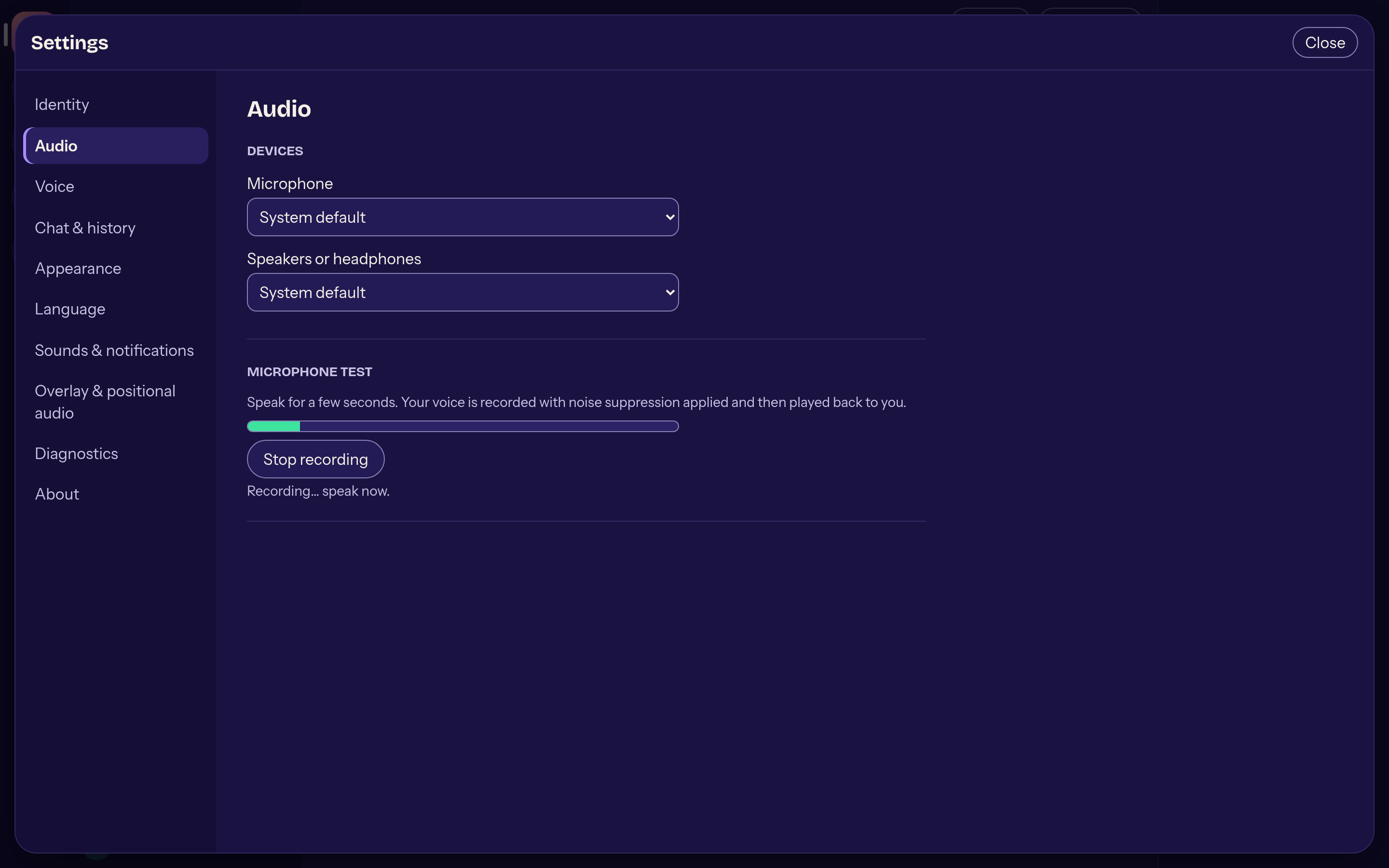
AI noise suppression, echo cancellation and automatic gain are on. The bitrate follows your network: down when packets get lost, back up when it recovers.
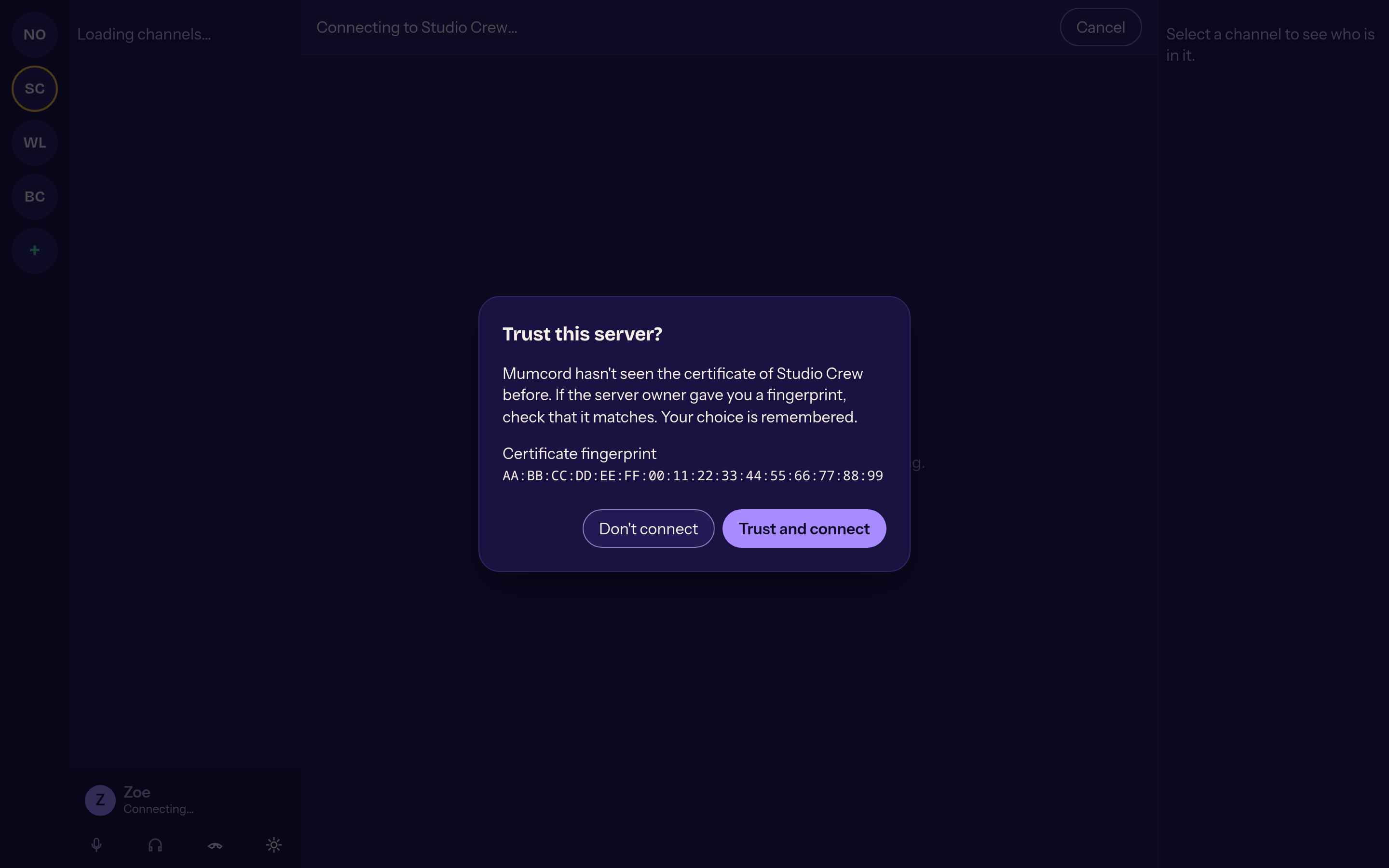
On first connect you see the server's fingerprint and decide. If it changes later, Mumcord stops with a clear warning.
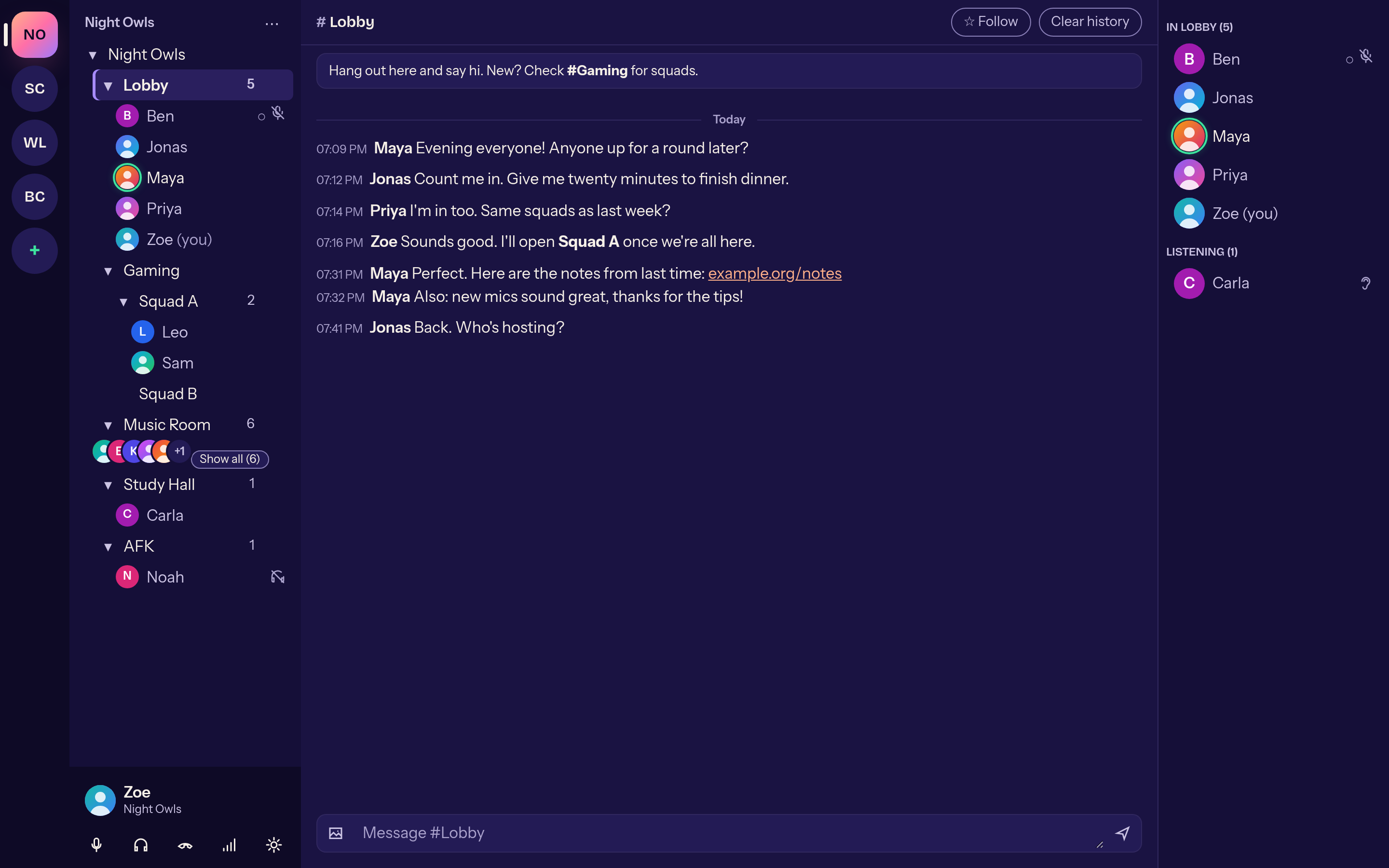
Avatars, grouped messages and Markdown, with a compact layout for busy channels. The channel description and welcome message are pinned on top; images are scaled to the server's limit.
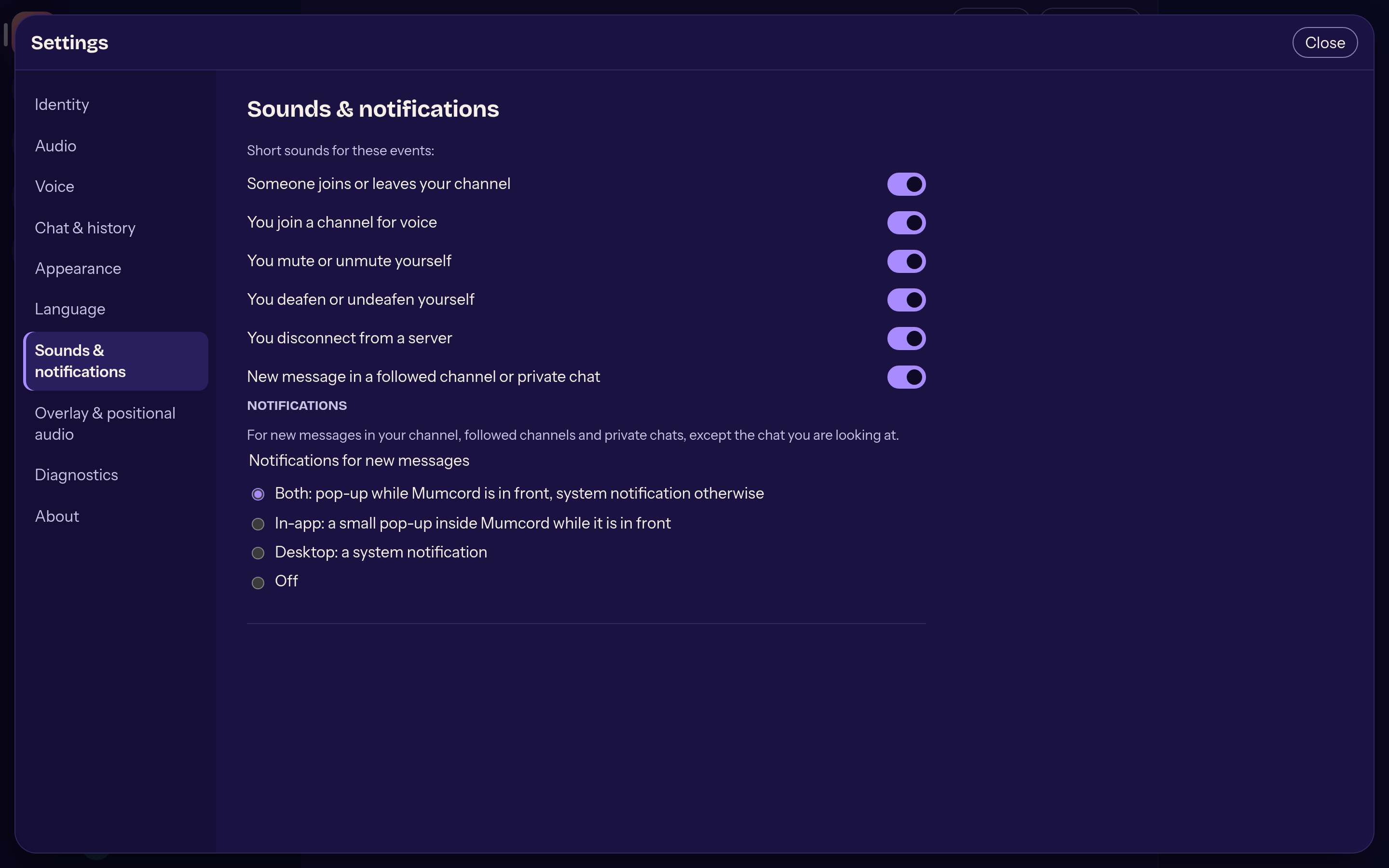
New messages as a small in-app pop-up, a system notification, both or off. Plus short, quiet sounds per event — including when you join and hang up.
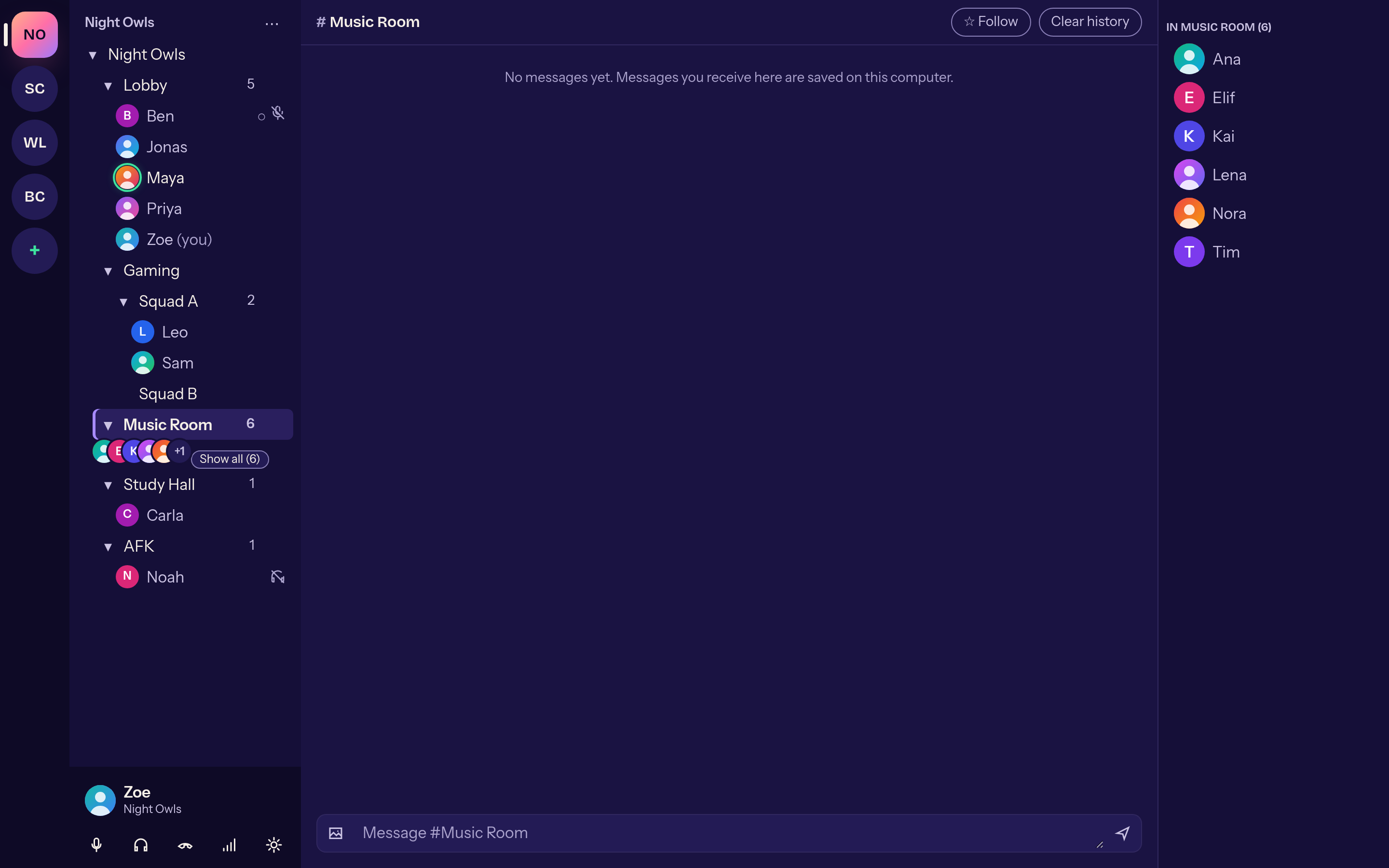
From six people on, avatars stack up under the channel name. Hover for a profile preview, and drag the channel and member lists to the width you like.
0 to 200 %, local mute. Remembered by the person's certificate — even after they rename.
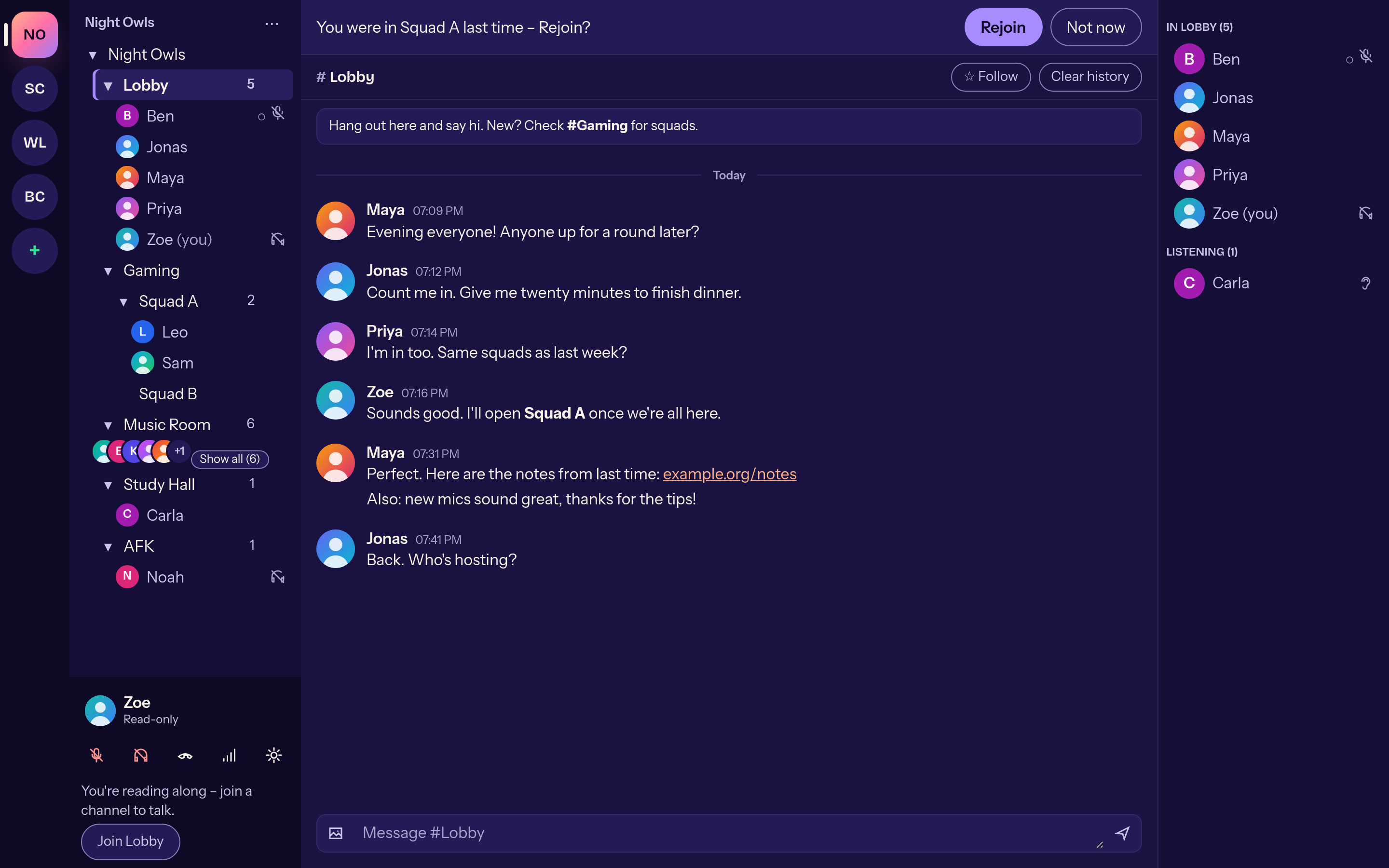
After a dropout Mumcord restores your channel, mute/deafen state and followed channels. After a restart it offers to rejoin your last voice channel.
The client certificate lives in your system's secure storage. Import from the official Mumble client via PKCS#12, export any time.
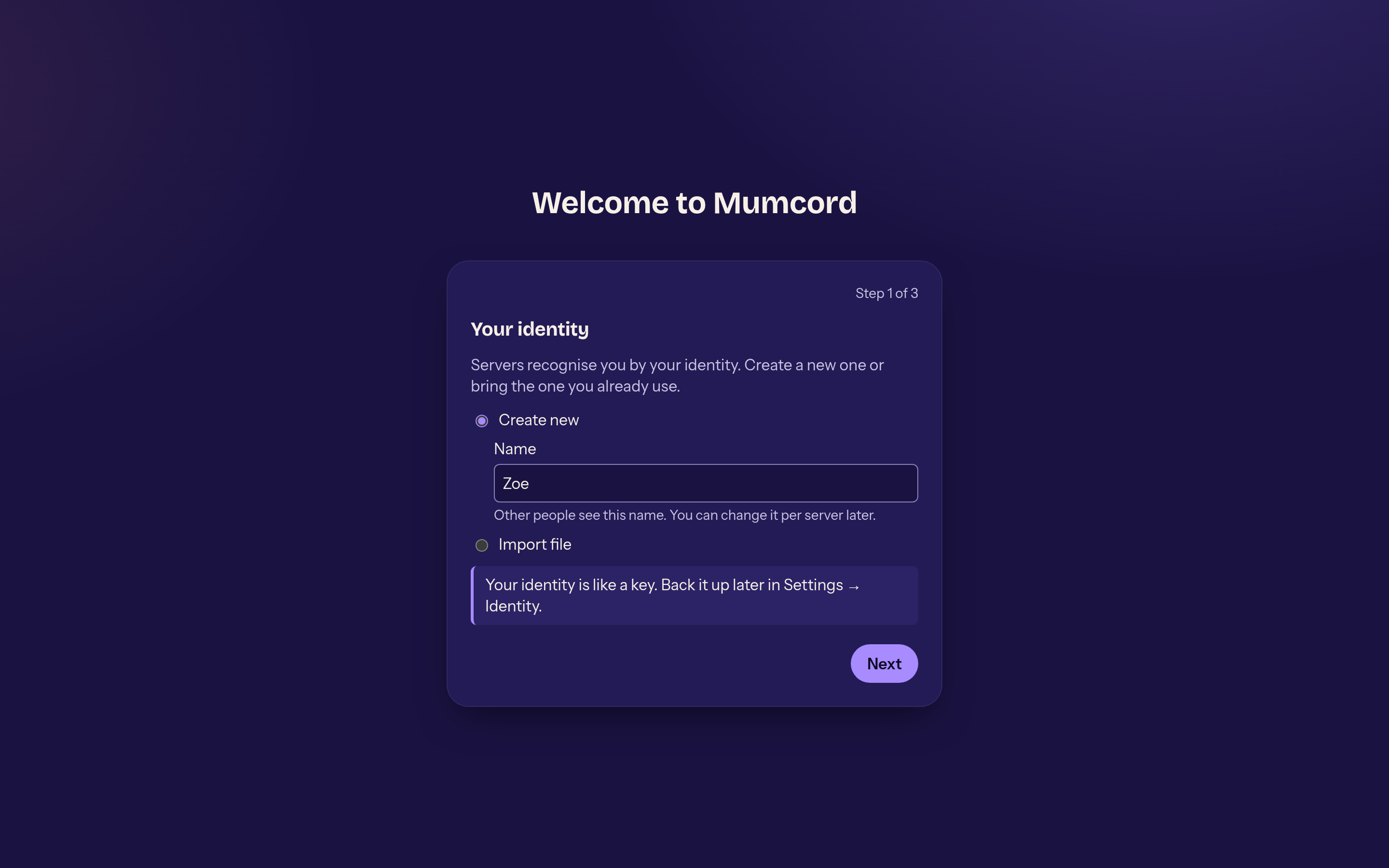
The setup wizard only asks for identity, microphone and talk mode. If you like, Mumcord opens mumble:// links and starts when you log in.
Keyboard operation, screen-reader labels, light and dark themes, system scaling. English, German and Spanish — switch without a restart.
03 — Just a client
Mumcord speaks the standard Mumble protocol. Your server stays as it is; friends on the official Mumble client sit in the same channel as you.
Click in the browser, Mumcord starts, offers to save the server and jumps into the channel.
04 — Take a tour
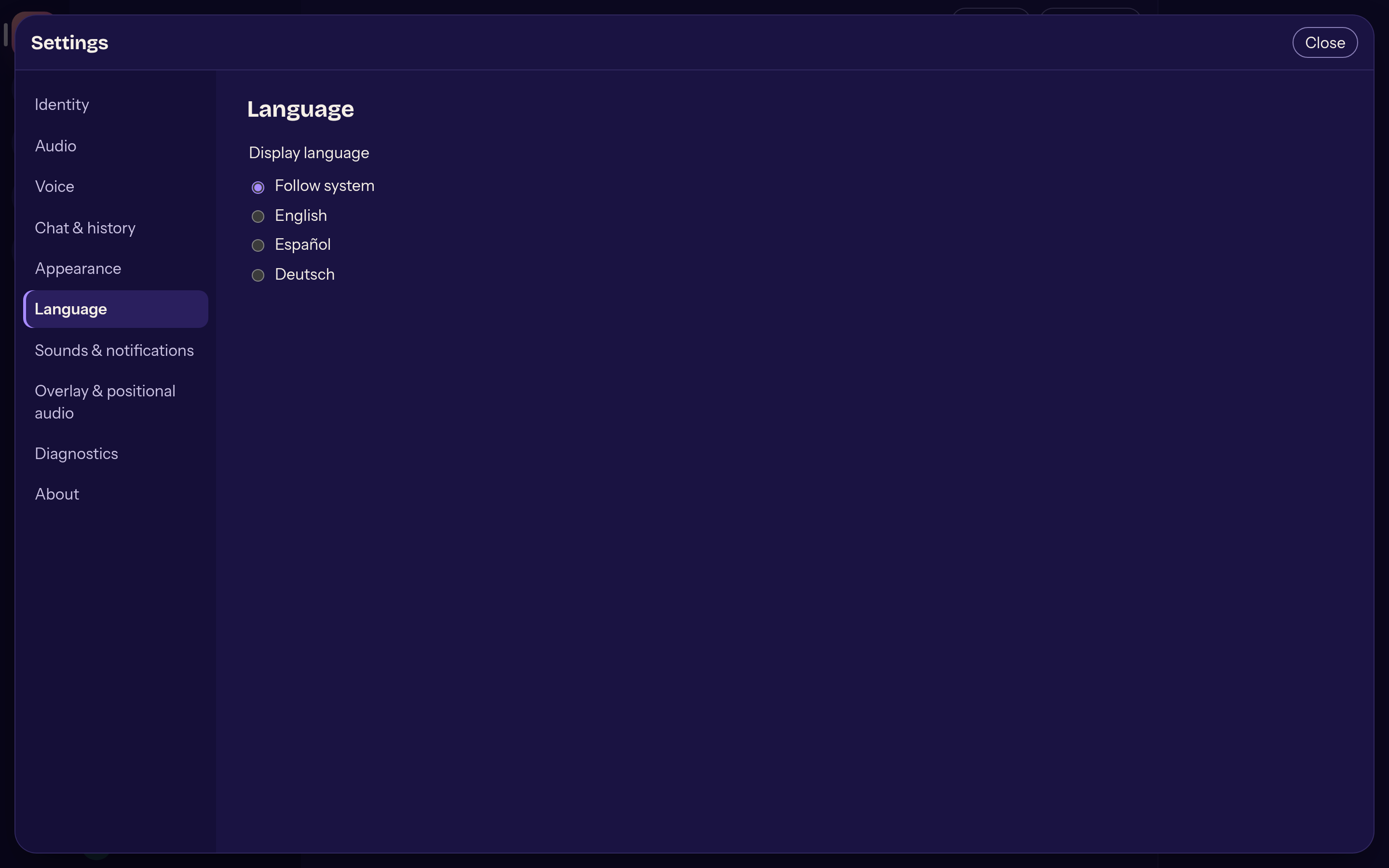
05 — Where it's going
The roadmap is a proposal and may change. Mobile apps and a web version are not planned. Nothing server-side will ever be required.
Epic 1 · 1a now
Everything on this page. Unsigned builds for Linux, Windows and macOS.
Epic 1 · 1b
Mumble Link with the official game plugins, floating overlay.
Epic 2
Read along on all of them, talk on one.
Epic 3
Global hotkeys, full tray menu, import from the official client, whisper, server browser.
Epic 4
ACLs, bans, channel management.
Epic 5
Signed installers, auto-update, opt-in crash reports.
06 — Get it
SmartScreen warns about an unknown publisher: “More info” → “Run anyway”.
Gatekeeper blocks the first launch: right-click → “Open”, or allow it under Privacy & Security.
chmod +x Mumcord_*.AppImage — needs WebKitGTK 4.1 and a Secret Service keyring.
Builds are unsigned for now. Signed installers arrive with Epic 5.
Installation guide · Rather build it yourself? Rust, Node 24, one command. Build guide in the wiki